News
How Does Water Affect Capacitive Touchscreen? Wet-Touch Performance and Industrial PCAP Design

How Does Water Affect Capacitive touchscreen? Wet-Touch Performance and Industrial PCAP Design
A capacitive touchscreen may operate normally under dry conditions but become less stable when water is present on its surface. Users may experience false touches, jumping touch coordinates, unintended inputs, or reduced responsiveness.
This does not necessarily mean that the capacitive touchscreen is not waterproof. The underlying challenge is that water changes the electrical conditions around the touch sensor, making it more difficult for the controller to distinguish intentional finger input from other changes in the sensing field.
For industrial equipment, outdoor displays, marine control systems, and other applications exposed to water or moisture, wet-touch performance must be evaluated separately from the display's waterproof protection.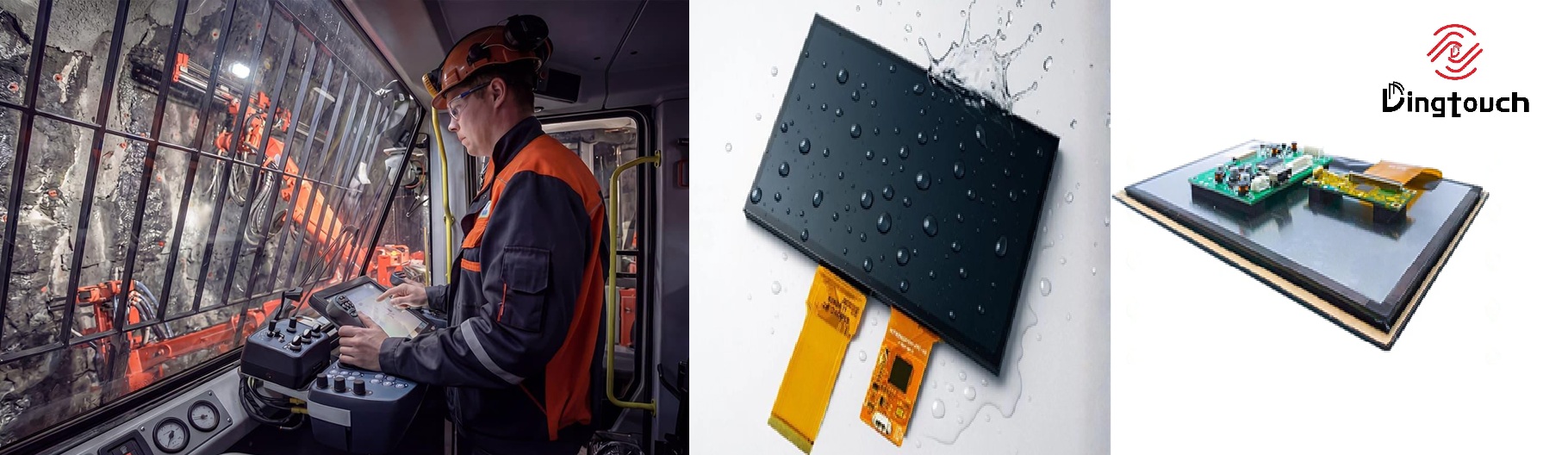
1. Why Does Water Interfere with Capacitive touchscreen?
Projected capacitive (PCAP) touchscreens operate by detecting changes in the electric field around their sensor electrodes. When a finger approaches or touches the screen, it changes the local capacitance. The touch controller analyzes these changes to determine whether a touch has occurred and where it is located.
Water can also affect this electrical environment.
Water droplets on the cover glass may introduce localized changes around the sensor electrodes. When a larger amount of water is present, particularly when it forms a continuous water film, the disturbance may extend across a broader sensing area.
Depending on the sensor structure, controller, grounding conditions, and water conductivity, these changes may be interpreted as touch signals or interfere with signals generated by the user's fingers.
The important distinction is that water is not simply a physical barrier between the finger and the touchscreen. It can also become part of the electrical environment that the touch system measures.
Wet-touch performance is fundamentally a signal-detection challenge, not just a waterproofing challenge.
2. What Happens When Water Gets on a Capacitive touchscreen?
The effect of water largely depends on how much water is present and how it is distributed across the touchscreen surface.
A few isolated droplets may produce localized disturbances. A continuous water film can affect a larger sensing area, while flowing water introduces constantly changing electrical conditions.
These different conditions may lead to different touchscreen behaviors.
| Water Exposure | Potential touchscreen Behavior |
|---|---|
| Small water droplets | Localized false touches or unstable touch responses |
| Continuous water film | Broader sensor interference or unintended inputs |
| Flowing water | Changing or unstable touch coordinates |
| Wet fingers | Touch signals that differ from those generated by dry fingers |
| Heavy water exposure | Touch detection may become unreliable, depending on the system |
These outcomes are not universal. A touchscreen specifically designed and tuned for wet environments may perform differently from a standard PCAP module.
Therefore, simply asking whether a touchscreen can work with water is often insufficient. The type, amount, movement, and location of water all influence the result.
3. Why Does Water Cause False Touches?
A capacitive touch controller detects electrical signal changes that correspond to valid touch inputs. When water introduces significant changes into the sensing field, the controller must determine whether those changes represent actual user interaction.
If the interference falls within the range that the system recognizes as a touch, it may be registered as an unintended input.
This becomes particularly challenging when water spreads across multiple sensor electrodes. Instead of receiving a clear, localized signal from a fingertip, the controller may encounter a broader or continuously changing signal pattern.
The resulting problems may include:
-
Unexpected touch points
-
Unstable touch coordinates
-
Touch points that appear to move
-
Intermittent touch responses
-
Missed touch inputs when a real finger is present
The exact behavior depends on the sensor pattern, touch controller, firmware, grounding, and physical stack-up.
There is no universal rule that more water always results in worse touch performance. The relationship depends on how the complete touch system responds to the disturbance.
4. Why Do Some Capacitive touchscreens Handle Water Better Than Others?
This is where the difference between standard touchscreens and those designed for demanding environments becomes important.
A PCAP touchscreen is more than a cover glass and a sensor. Its performance depends on the interaction between the touch sensor, touch IC, firmware, physical stack-up, electrical environment, and application conditions.
For example, a touchscreen may be designed and tuned to operate in wet conditions without producing excessive false touches. Another touchscreen using a different sensor structure or controller may respond differently under the same conditions.
This means wet-touch performance cannot be determined by a single specification, such as:
-
Cover glass thickness
-
Touch IC model
-
IP rating
-
Sensor type
-
Surface treatment
Each parameter may be important, but none should be treated as a universal indicator of wet-touch performance.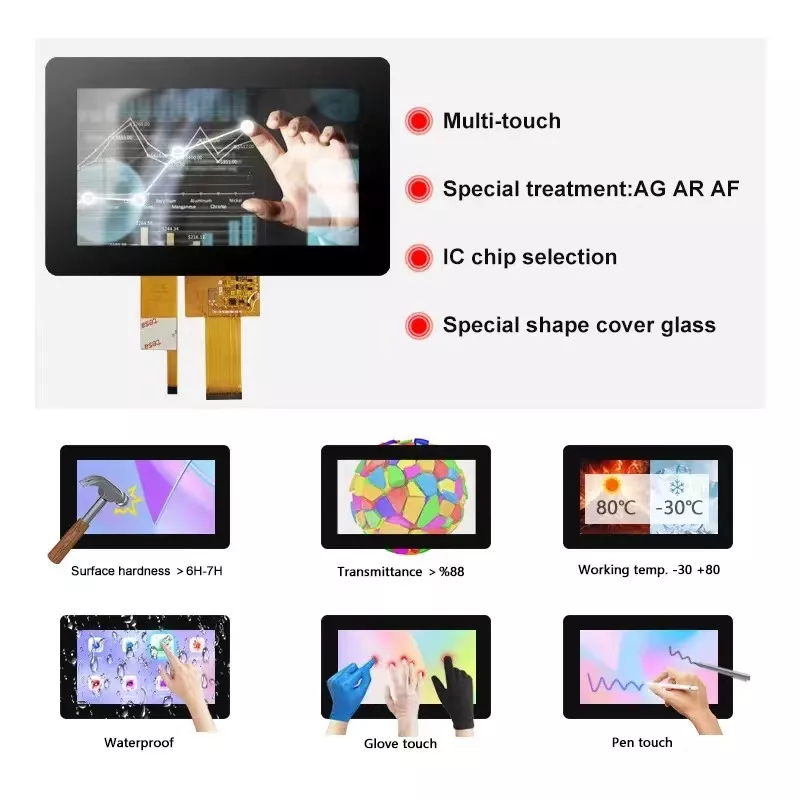
5. What Factors Determine Wet-Touch Performance?
Several parts of the touch system influence how it behaves when water is present.
| Factor | Why It Matters |
|---|---|
| Water conditions | Droplets, films, and flowing water create different disturbances |
| Touch sensor design | Electrode structures influence how signals are detected |
| Touch controller | Determines how sensor signals are measured and processed |
| Firmware tuning | Helps distinguish valid touches from unwanted signals |
| Cover glass and stack-up | Changes the physical relationship between the user and sensor |
| Grounding and EMI | May affect the electrical noise environment and signal quality |
| Application conditions | Finger movement, water flow, temperature, and installation affect actual performance |
The important engineering point is that these factors interact.
For example, changing the cover glass may alter the sensing conditions, but replacing the touch IC alone does not automatically resolve every wet-touch problem.
Similarly, firmware tuning can improve signal interpretation, but it cannot fully compensate for an unsuitable sensor structure or poorly designed electrical environment.
Wet-touch performance is therefore a system-level design issue.
6. Waterproof Protection vs. Wet-Touch Performance
This distinction is especially important for industrial displays.
A display's waterproof protection generally concerns whether water can enter the enclosure and damage internal electronic components. This is related to mechanical design, sealing, enclosure construction, and IP protection ratings.
Wet-touch performance addresses a different question:
Can the touchscreen continue to recognize intentional user input when water is present on its surface?
A display may have effective waterproof protection while still experiencing touch instability when its front surface becomes wet.
An IP rating should not automatically be interpreted as a guarantee of reliable touchscreen operation in wet conditions.
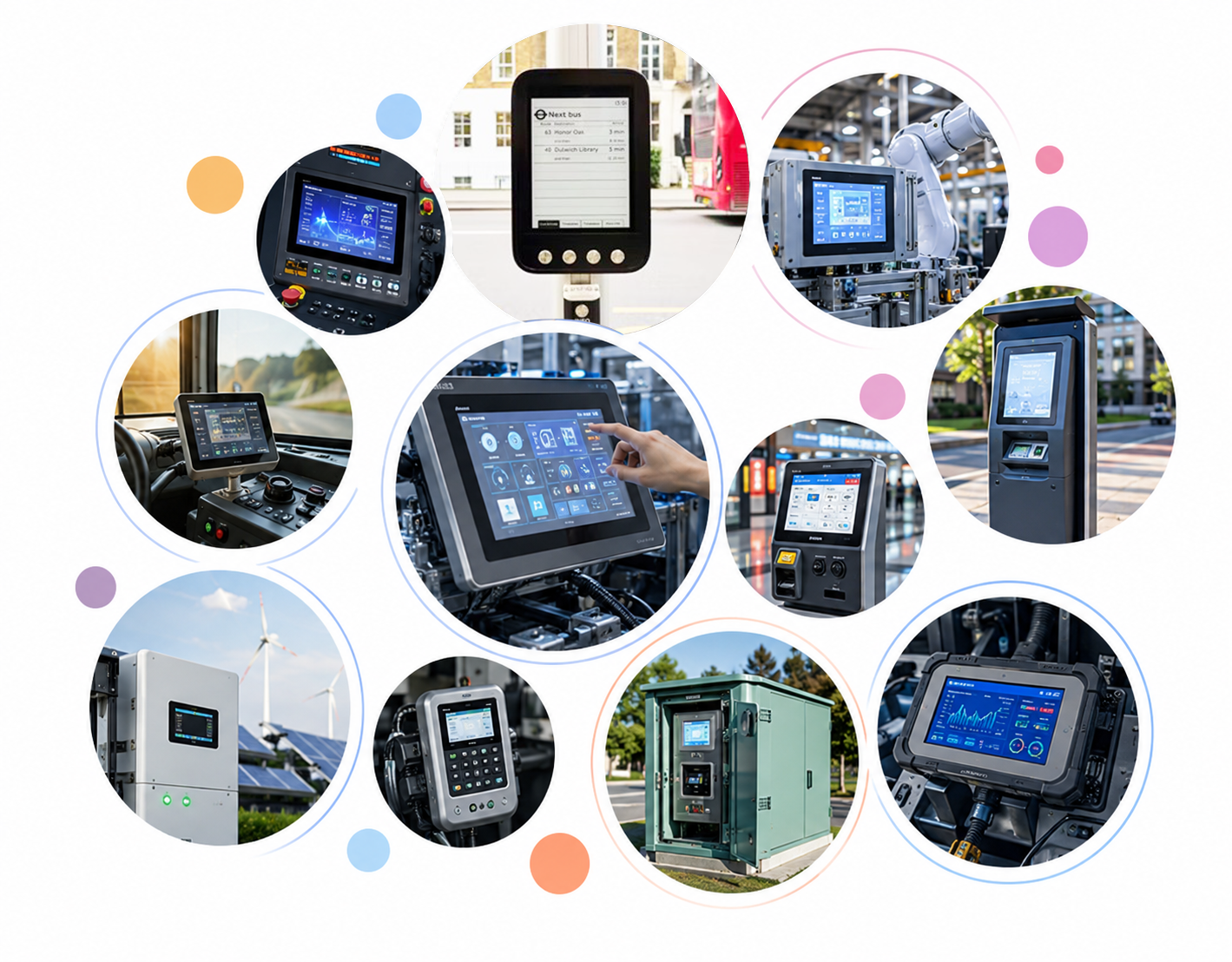
For outdoor HMI, marine control panels, industrial handheld devices, and equipment exposed to rain or water spray, both requirements need to be evaluated.
7. How to Design Capacitive touchscreens for Wet Environments
No single component automatically makes a PCAP touchscreen suitable for wet environments.
A more reliable approach is to consider the touch system as a complete design.
Touch Sensor and Controller Selection
The sensor structure and controller need to work together under the expected signal conditions.
A controller with appropriate sensing and processing capabilities can provide more flexibility for tuning, but the sensor design remains equally important.
For industrial applications, controller selection should consider the required touch accuracy, sensitivity, multi-touch functionality, and expected exposure to water.
Firmware and touchscreen Tuning
Firmware can help distinguish intentional finger input from unwanted electrical interference.
This is particularly important when the system must balance wet-touch rejection and normal touch sensitivity.
If the system rejects interference too aggressively, another problem may arise: legitimate touches can become more difficult to detect.
This is a genuine engineering trade-off.
Physical Stack-Up
The cover glass, sensor, adhesive layers, and other components form the physical touchscreen stack-up.
Their relationships influence the electrical conditions perceived by the sensor.
This is one reason touch performance should be evaluated using the actual display configuration rather than assuming that results from one touchscreen design will transfer directly to another.
Grounding and EMI Control
Electrical noise can make already complex wet-touch signals even more difficult to interpret.
Proper grounding and system-level EMI control are therefore important parts of the design process, particularly when the touchscreen is integrated into equipment containing motors, power electronics, or other noise sources.
8. How Should Wet-Touch Performance Be Tested?
A touchscreen designed for wet environments should not be evaluated only with dry fingers on a clean, dry surface.
Testing should reflect the way the device will actually be used.
Depending on the application, this may include:
-
Dry finger operation
-
Wet finger operation
-
Isolated water droplets
-
Continuous water films
-
Water spray or flowing water
-
Repeated touch operations in the presence of water
-
Single-touch and multi-touch operation
-
Different touch speeds and positions
The objective is not simply to confirm that the display responds to touch.
It is also important to check whether the system produces:
-
False activations
-
Missed touch inputs
-
Unstable coordinates
-
Delayed responses
-
Unexpected multi-touch behavior
For example, the relevant test conditions for a marine control panel may differ significantly from those for an indoor industrial HMI.
The actual application environment should determine the validation method.
9. What Should Engineers Consider When Selecting a touchscreen for Wet Environments?
A useful specification should describe the actual operating conditions rather than simply stating that a waterproof touchscreen is required.
Consider the following questions:
-
Will the screen encounter occasional droplets or continuous water exposure?
-
Will users operate it with wet fingers?
-
Can water form a continuous film across the surface?
-
Is the display installed outdoors, under a canopy, or inside an enclosed machine?
-
Does the application require reliable multi-touch operation?
-
Are there other electrical noise sources within the equipment?
-
What level of false-touch or missed-touch behavior is acceptable?
These questions may lead to very different touchscreen requirements.
For some applications, basic waterproof protection may be sufficient. For others, particularly outdoor, marine, or industrial HMI systems, wet-touch performance should be included in the specification and validation process from the beginning.
10. Frequently Asked Questions
Can Water Cause False Touches on a Capacitive Touchscreen?
Yes. Water can change the electrical conditions around the sensor electrodes and may be interpreted as an unintended touch, depending on the sensor, controller, firmware, and water conditions.
Why Does a Touchscreen Sometimes Stop Working Normally When Wet?
A wet surface changes the signal patterns detected by the touch sensor. If the controller cannot reliably distinguish intended finger input from water-related interference, touch responses may become unstable or less sensitive.
Can a Capacitive Touchscreen Work When Water Is Present on Its Surface?
Yes, but wet-touch performance depends on the complete touch system and the expected water conditions. A standard PCAP touchscreen should not automatically be assumed to operate reliably on a wet surface.
Does an IP65 or IP67 Rating Guarantee Reliable Touch Operation When Wet?
No. IP protection ratings primarily describe a device's resistance to water and other external substances under specified test conditions. They do not independently define how reliably a touchscreen recognizes input when water is present on its surface.
Can a Firmware Update Completely Solve Wet-Touch Problems?
Not necessarily. Firmware tuning can help distinguish valid touches from unwanted signals, but it cannot overcome every limitation in sensor design, touch IC capability, physical stack-up, grounding, or mechanical construction.
Conclusion: Wet-Touch Reliability Requires System-Level Design
Water affects capacitive touchscreens because it changes the electrical environment measured by the touch sensor.
The resulting effects may range from minor instability to false touches or missed inputs, depending on the amount and distribution of water and the design of the complete touch system.
For applications exposed to rain, water spray, wet fingers, or condensation, waterproof protection and wet-touch performance should be treated as separate engineering requirements.
The most reliable approach is to evaluate the actual sensor, touch IC, stack-up, firmware, grounding, and application conditions, and then validate the touchscreen under realistic wet-use scenarios.
For industrial and outdoor applications, the right touchscreen solution is not simply the one with the highest IP rating. It is the solution whose electrical and mechanical design meets the actual operating requirements of the display.
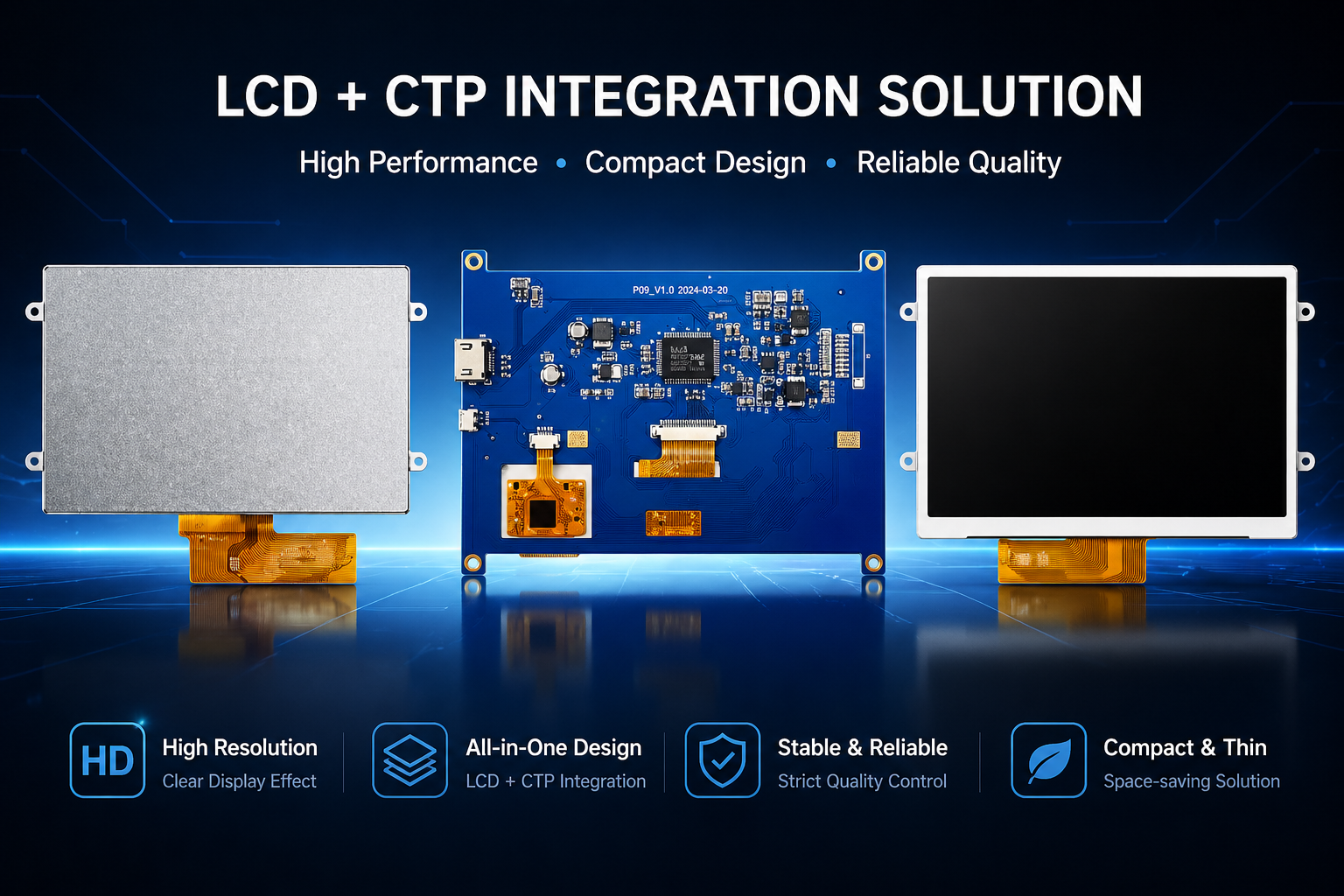
For customized industrial touch display projects, DINGTouch supports OEM/ODM customers with PCAP touchscreen integration, cover glass customization, optical bonding, and application-oriented engineering evaluation.



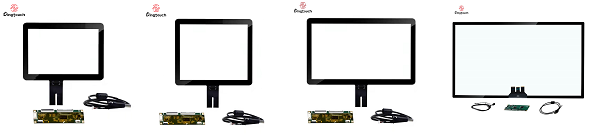
Ready to Build Your Outdoor Display Solution?
Get in touch with us at sales@szdingtouch.com. Our expert engineers will help you design a cost-effective, tailored solution to meet your project’s exact specifications.
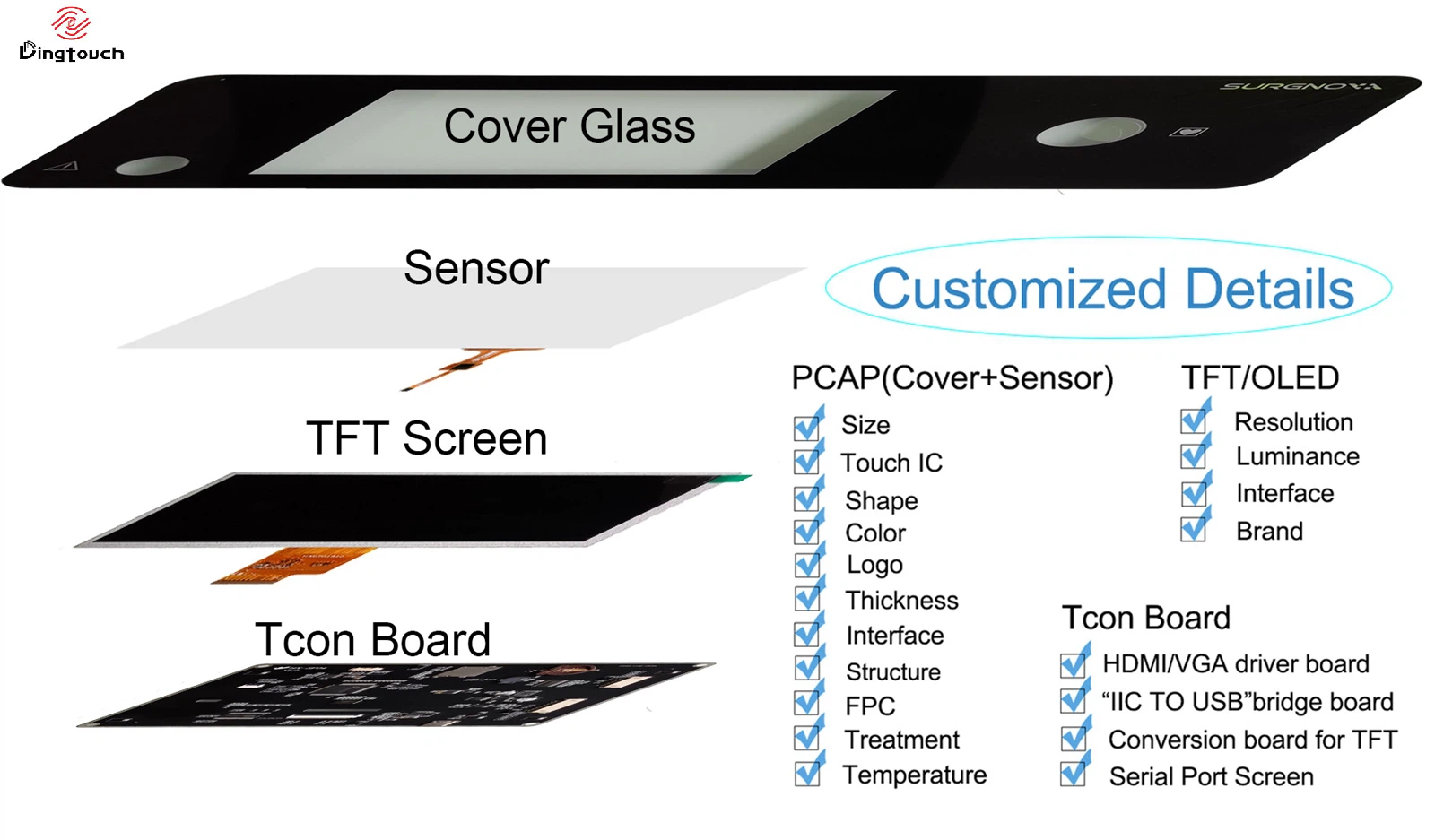
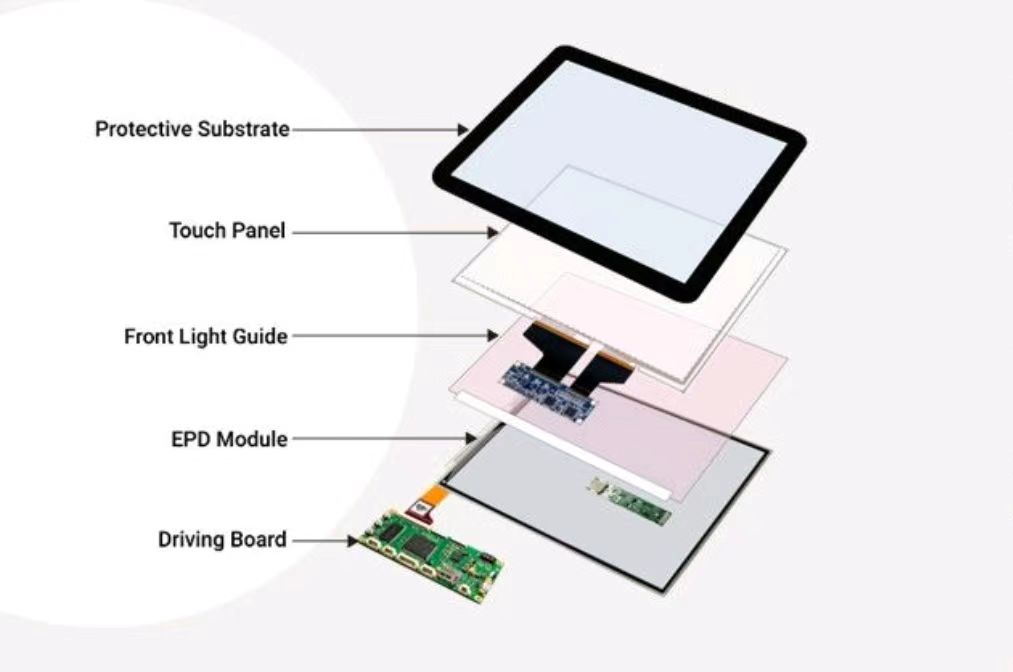
DINGTouch:Committed to continuous innovation and improvement of product quality to meet customers' high requirements and expectations.
DINGTouch is a manufacturer that provides high quality touch screen panels. Focus on the design, manufacturing and sales of touch screen panels, and are committed to providing customized solutions that satisfy customers.
DINGTouch: In the process of customizing touch screen panels, we focus on close cooperation and communication with customers. Understanding customers' needs and providing customized solutions will meet customers' individual needs. The company's products are favored by customers for their high quality and reliability, and provide them with the best Touchscreen panel solutions.
DINGTouch:Committed to continuous innovation and improvement of product quality to meet customers' high requirements and expectations.
DINGTouch is a manufacturer that provides high quality touch screen panels. Focus on the design, manufacturing and sales of touch screen panels, and are committed to providing customized solutions that satisfy customers.
DINGTouch: In the process of customizing touch screen panels, we focus on close cooperation and communication with customers. Understanding customers' needs and providing customized solutions will meet customers' individual needs. The company's products are favored by customers for their high quality and reliability, and provide them with the best Touchscreen panel solutions.
At DINGTOUCH, we are the world's leading touchscreen manufacturer, helping businesses around the world take advantage of this exciting technology. For more information, please visit the home page now.

DINGTouch is a company specializing in the R&D and production of touch screen technology, headquartered in Shenzhen, China. As a professional touch screen supplier, DINGTouch is committed to providing high-quality, stable and reliable touch screen products to meet the diverse needs of customers. We continue to carry out technological innovation and product optimization to ensure that its touch screen products have good sensitivity, accuracy and durability.
In addition to the products themselves, we also focus on cooperation and communication with customers, and are committed to providing customized solutions and excellent after-sales services. Through continuous efforts to improve product quality and customer satisfaction, we have established a good reputation in the touchscreen industry and won widespread market recognition.
In addition to the products themselves, we also focus on cooperation and communication with customers, and are committed to providing customized solutions and excellent after-sales services. Through continuous efforts to improve product quality and customer satisfaction, we have established a good reputation in the touchscreen industry and won widespread market recognition.
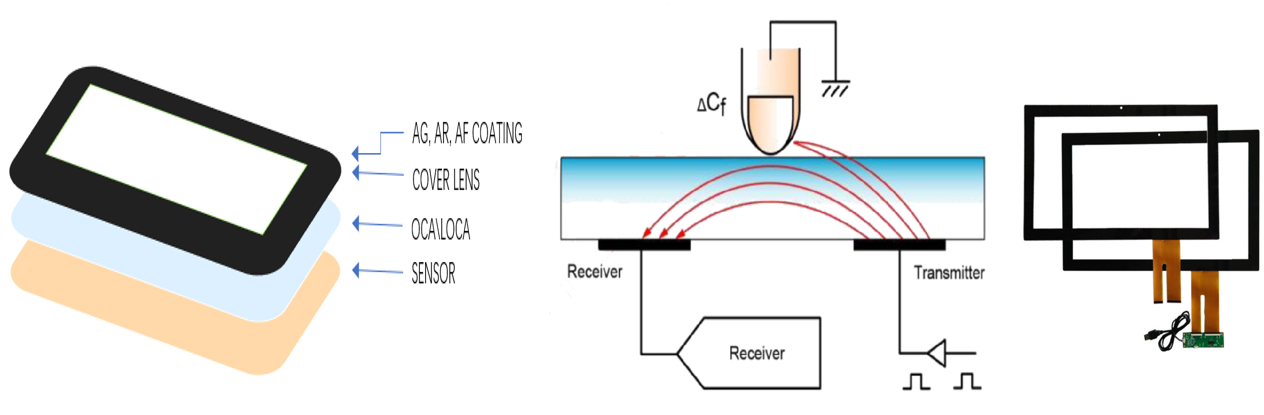
What DINGTOUCH can do:
• PCAP maximum size 65”
• Multi-touch (Touch screen can be customized to your needs.)
• Optical bonding service/air bonding
• LCD interface: HDMI/RGB/MIPI/LVDS/EDP, etc.
• PCAP interface: IIC/USB interface
• CTP can customize the cover glass surface treatment process AG (anti-glare), AR (anti-reflection), AF (anti-fingerprint), waterproof, and glove touch
• Supports 0.55 mm-12 mm coverslip touch.
• Support operating temperature: -40℃-90℃.
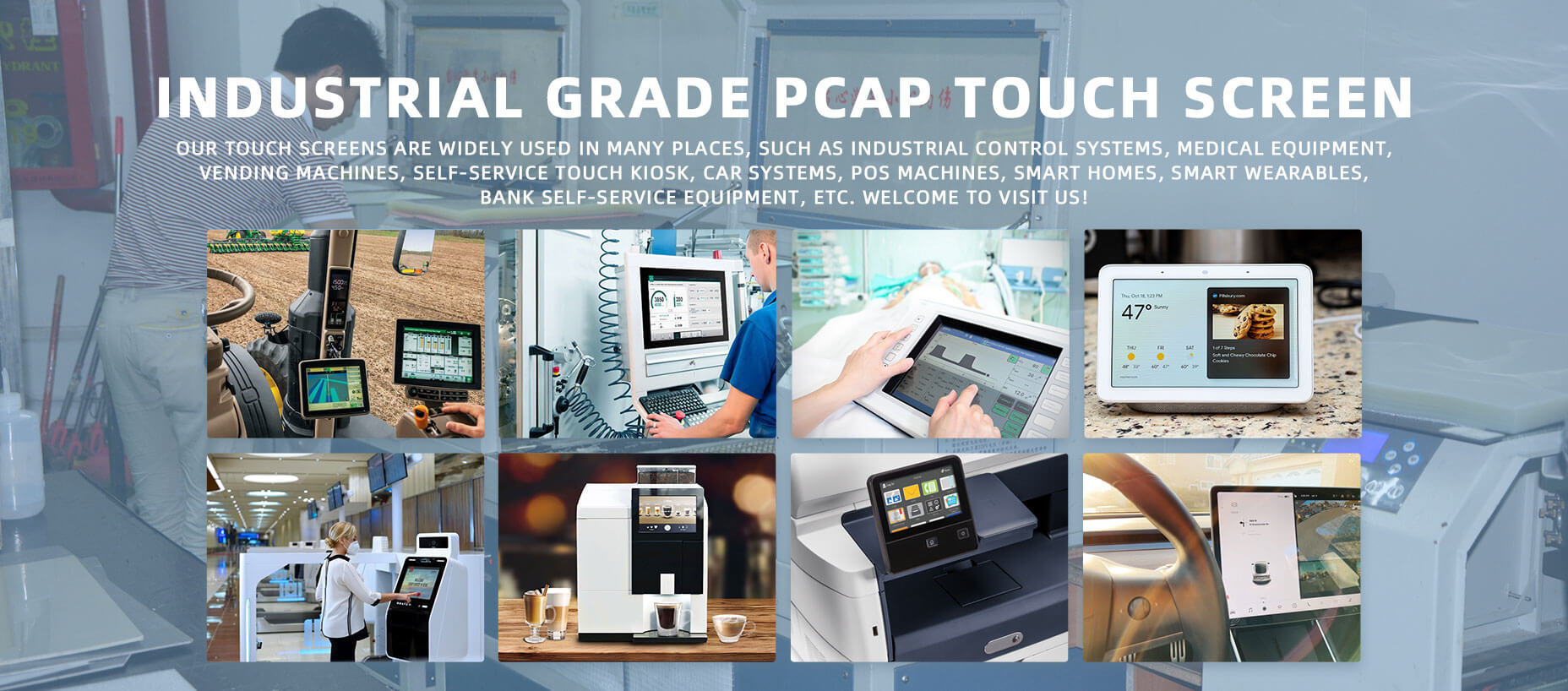
Dingtouch Industrial capacitive touch screen Manufacturer
In conclusion, Dingtouch as a professional touch screen manufacturer with more than 10 years touch screen experience.We have many capacitive touch screen. Such as 5 inch touch screen,7 inch touch screen,10.1inch touch screen,15 inch touch screen,15.6 inch touch screen,17 inch touch screen,18.5 inch touch screen,19 inch touch screen,21.5 inch touch screen,32 inch touch screen, However, we also welcome to customize your own touch screen . Contact our team today to learn what capacitive touch screen are best for our retail business needs.
Contact us NOW! sales@szdingtouch.com
#Medicaltouchscreencalibration, #capacitivetouchcalibrationguide, #IEC60601touchscreen, #DINGTouchmedicaldisplay, #touchscreenaccuracy, #touchscreen driftfix, #medicalequipmenttouchsolutions, #IP65touchpanel, #IK10medicaltouchscreen, #glove touch medical monitor,#ILITEKTouchControllerICSelectionGuide ,#OCAtoOCR #GT911,#CustomizedWideTemperatureTouchScreenSolutions,#Waterproof Touchscreen,
#highbrightnessLCD, #sunlightreadabledisplay,#industrialLCDbacklight, #outdoor displaymodule, #customLCDsolution, #1000–2000nitsdisplay, #DINGTouchtouchscreen.
DINGTouch — Custom Touch Display Solutions Expert
Every touch, clear and precise, ready for any environment.
Every touch, clear and precise, ready for any environment.
CATEGORIES
CONTACT US
Contact: Dingtouch
Phone: +8615815536116
Tel: +8615815536116
Email: sales@szdingtouch.com
Add: Building A, Bailu Plaza, No. 48, Gonghe Industrial Road, Gongle Community, Xixiang Street, Baoan District, Shenzhen,China. 518126
 Dingtouch