News
Why Do Touch Screens Need a Black Border? The Black Border Is Not Just About Appearance — It Plays a Critical Role in Reliability and Design
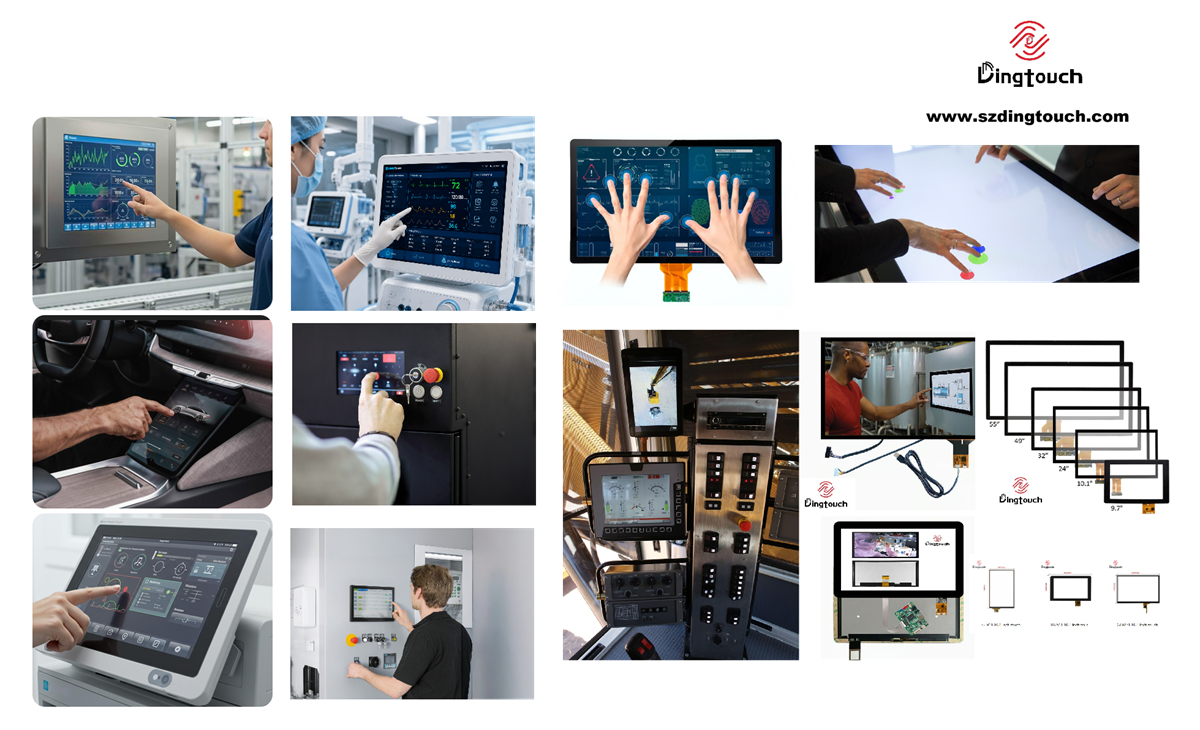 Why Do Touch Screens Need a Black Border?
The Black Border Is Not Just About Appearance — It Plays a Critical Role in Reliability and Design
Many people have a common question when looking at touch screen products:
“Why do touch screen always have a black border around the edges? Can’t the entire surface be transparent?”
From a visual perspective, the black border may look like a simple design choice.
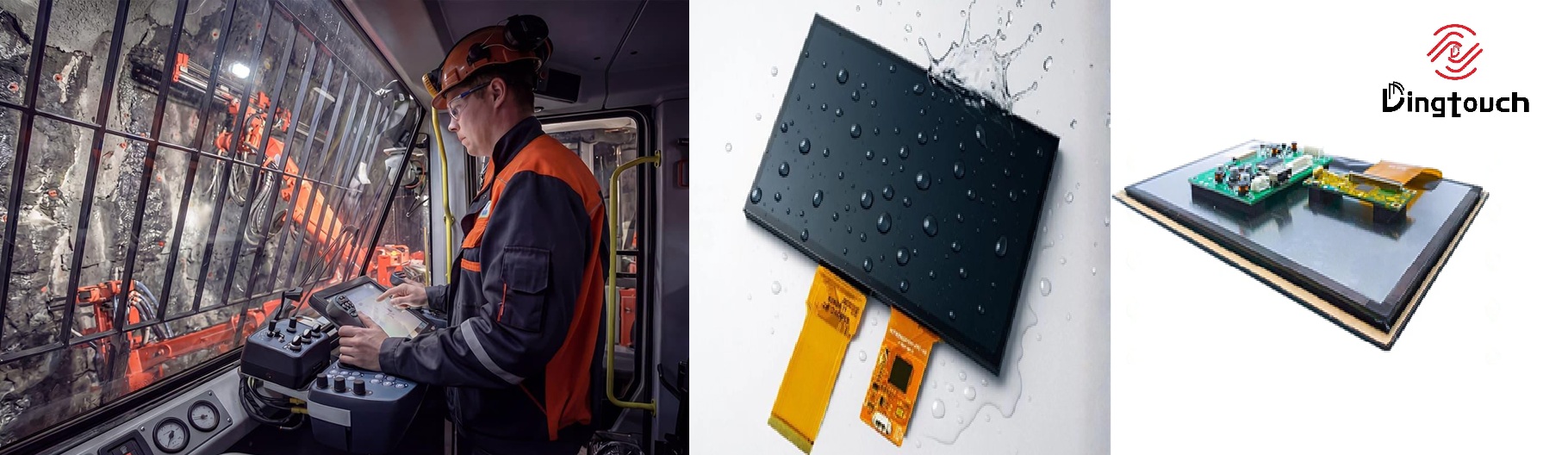
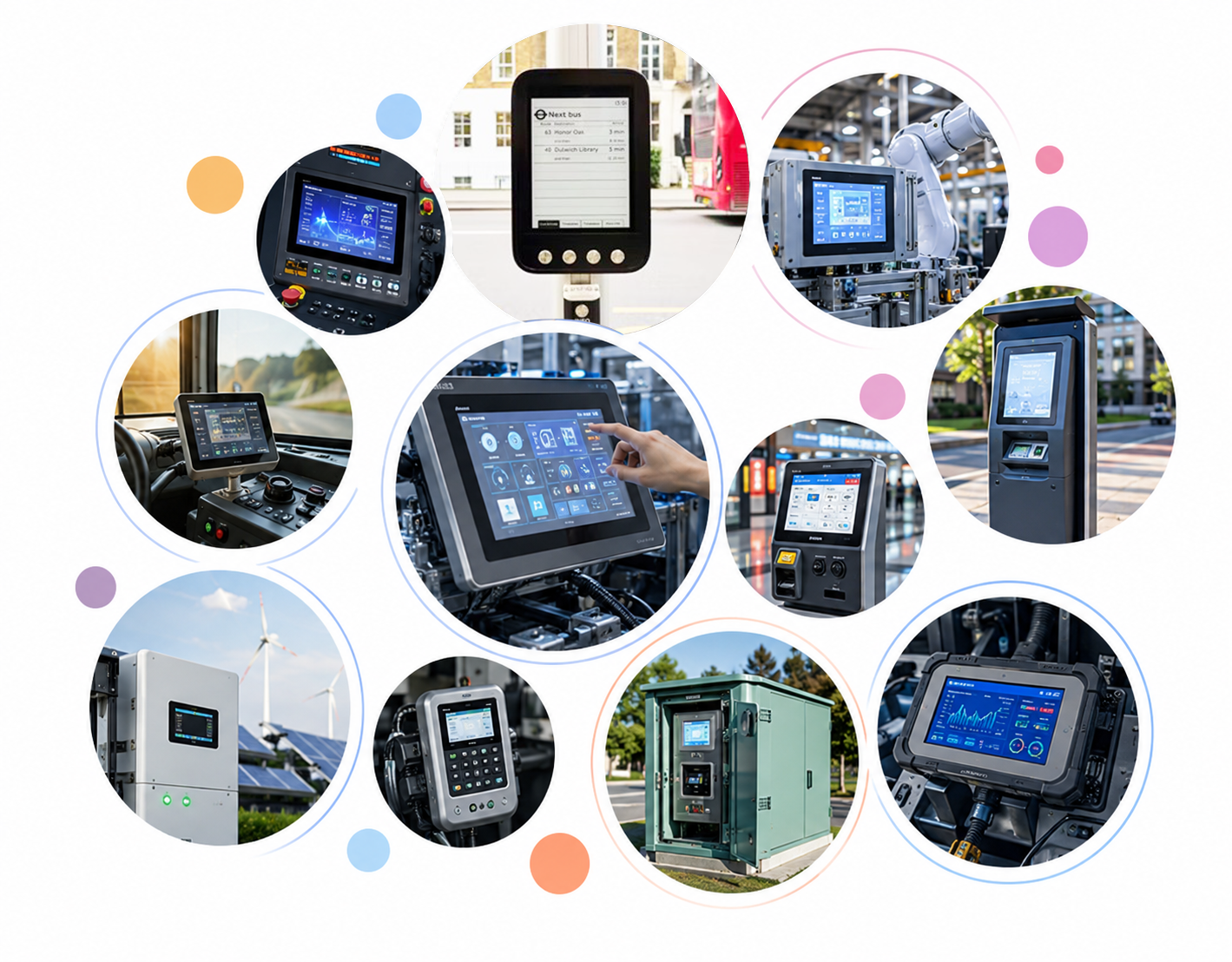
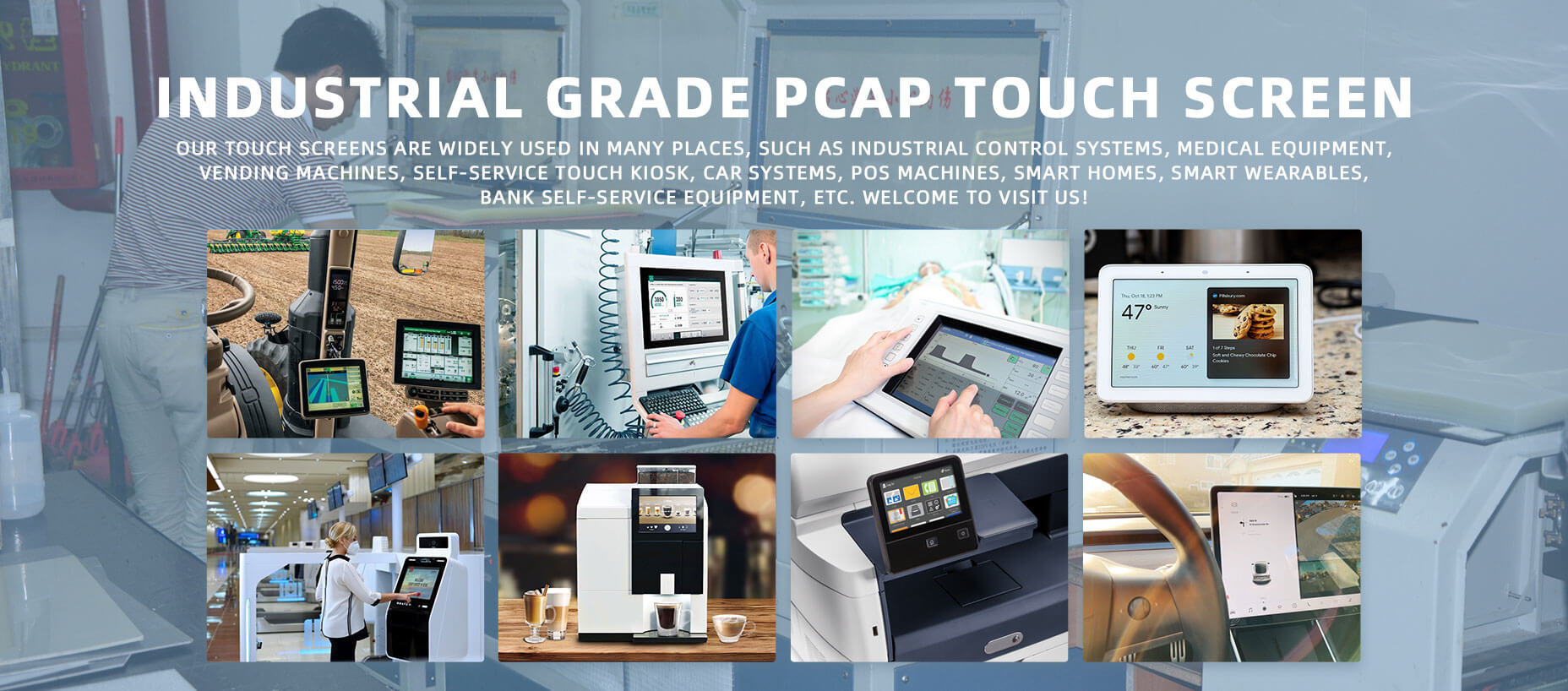
However, for Industrial touch screen, medical equipment, HMI systems, vehicle displays, and outdoor terminals, the black border is actually an important part of the touch display structure.
It not only improves the appearance of the product but also affects reliability, assembly, and long-term performance.
1. What Is the Purpose of the Black Border on a Touch Screen?
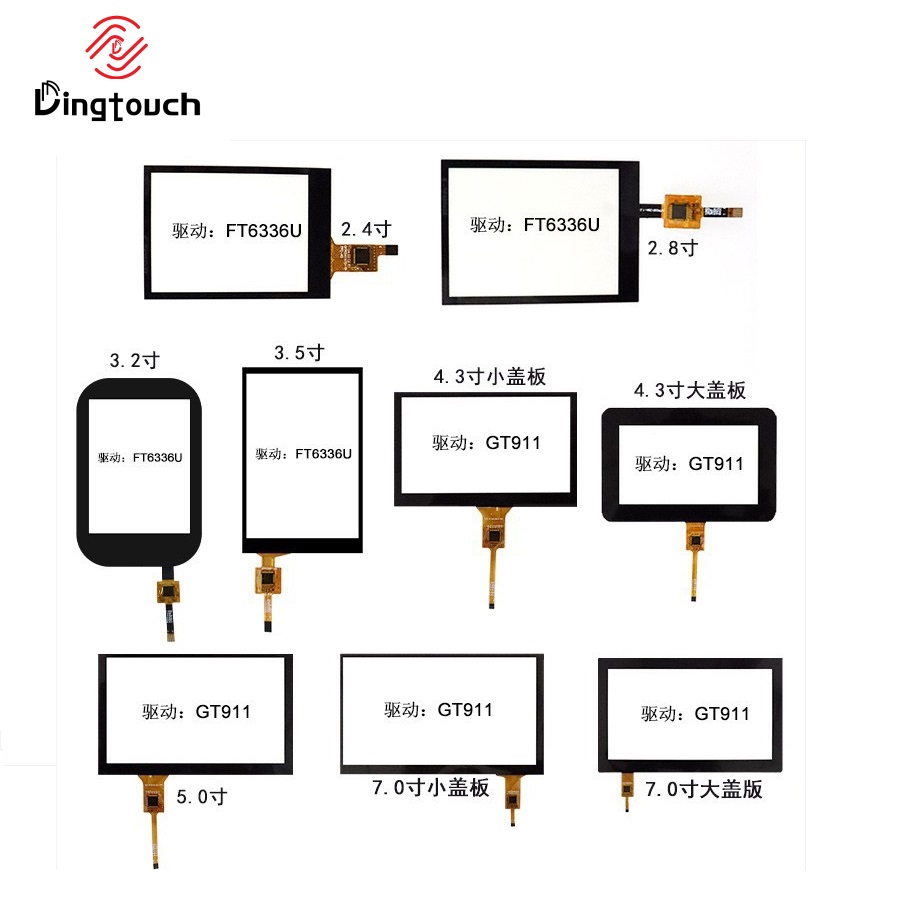
① Hiding Touch Sensor Traces and Improving Appearance
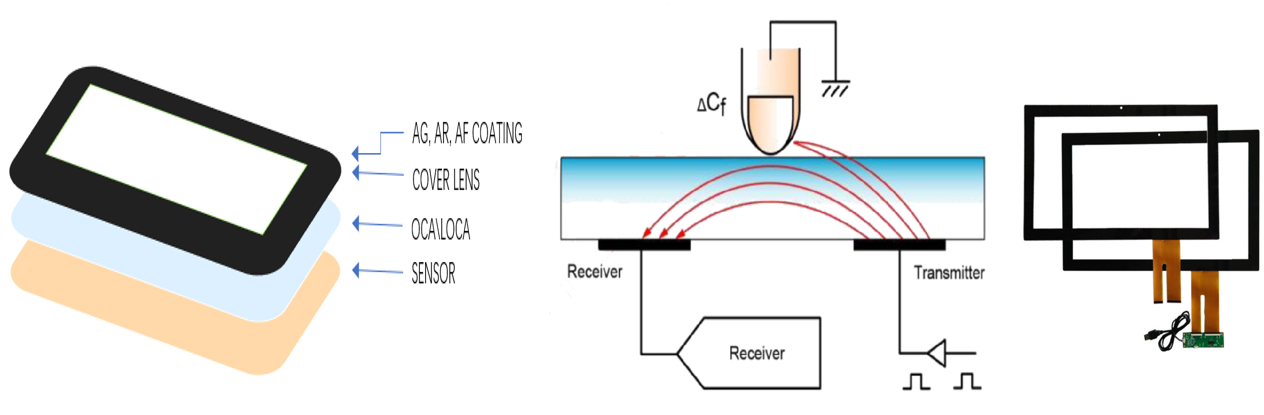
A projected capacitive touch screen (PCAP) works by detecting changes in the electrical field through transparent conductive layers.
Although technologies such as ITO and metal mesh can achieve high transparency, some areas still require space for:
- Touch sensor routing lines
- FPC connection areas
- IC bonding areas
- Sensor edge structures
These areas cannot be completely transparent.
Therefore, the black border is used to hide these internal structures and maintain a clean, seamless appearance.
Example:
For a 7-inch industrial touch display without a black border, users may see:
❌ Sensor wiring at the edge
❌ FPC connection area
❌ Adhesive marks
❌ Internal display structure
This can reduce the overall product quality perception.
With a properly designed black border:
✅ Internal structures are hidden
✅ The appearance becomes cleaner
✅ The product looks more professional and premium
2. The Black Border Also Solves Structural Challenges
② Covering LCD Borders and Assembly Areas
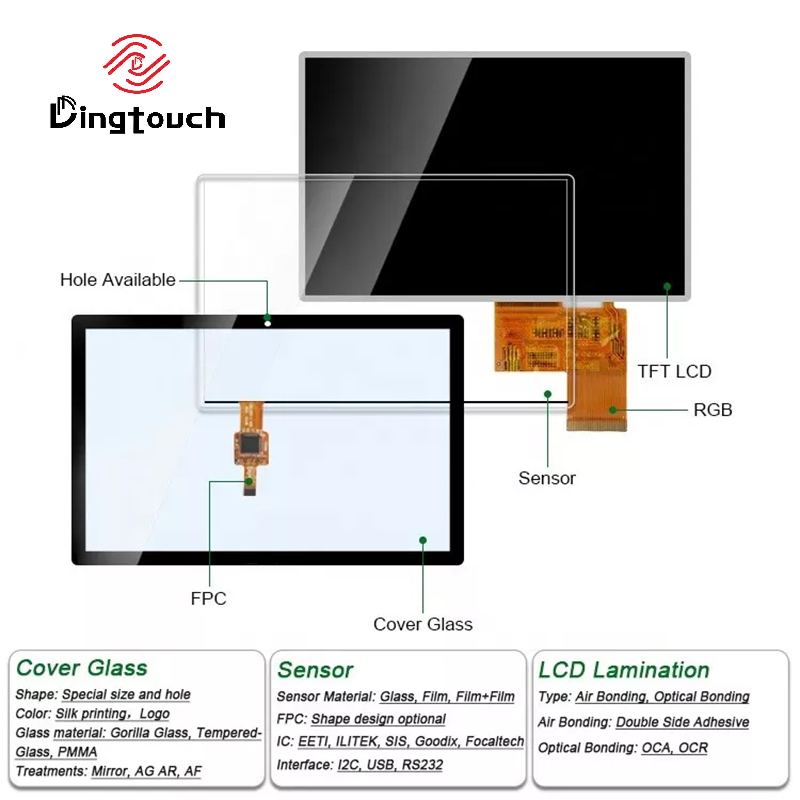
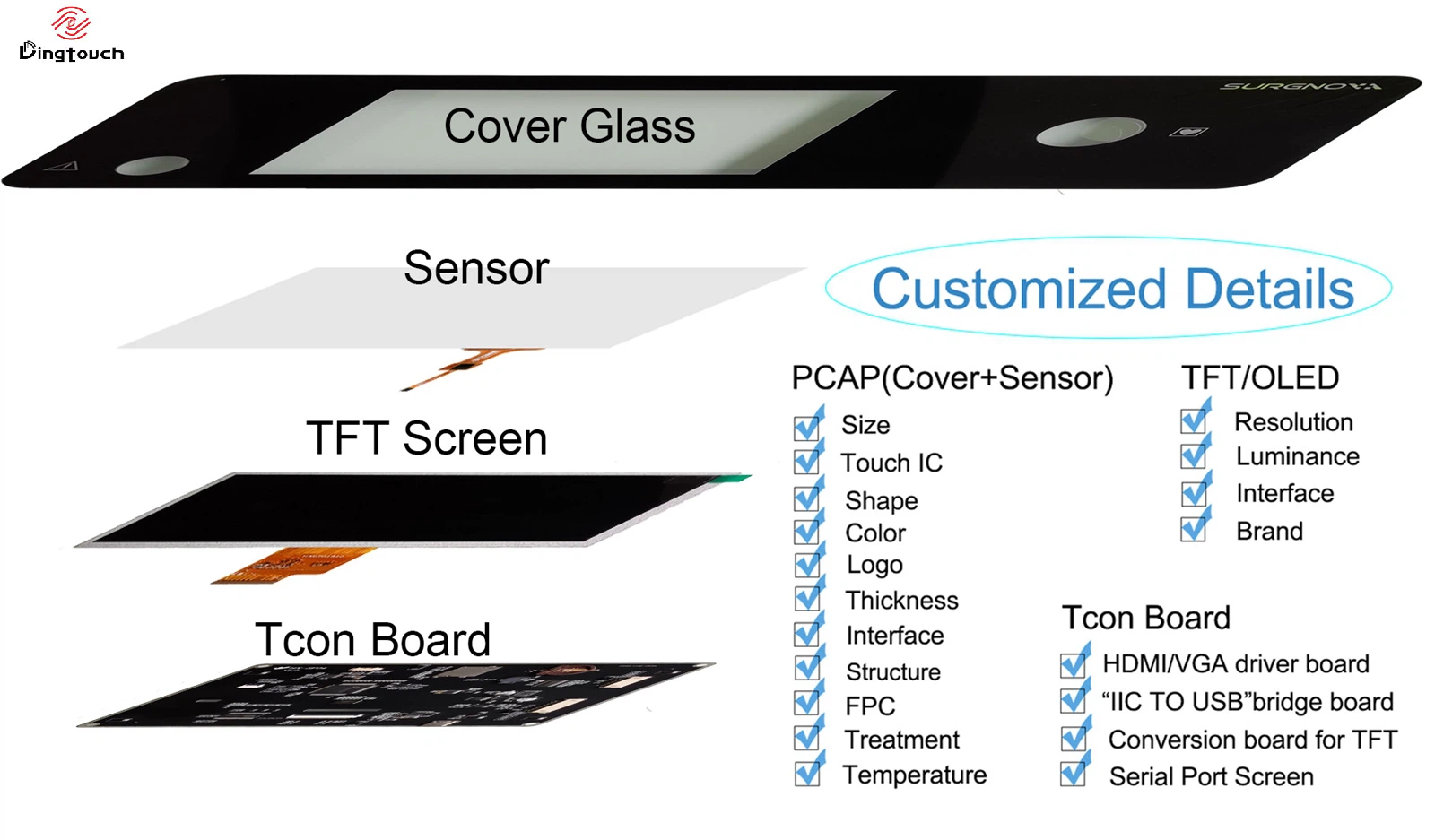
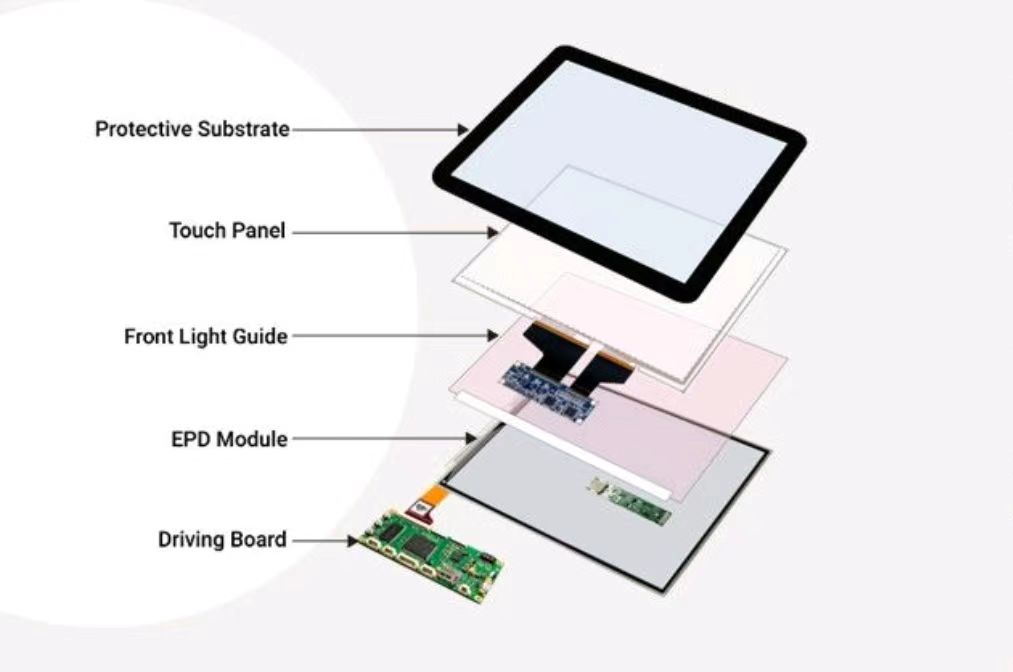
A touch screen is usually combined with an LCD display to form a complete touch display module:
- Touch Panel (TP)
- LCD Module
- Backlight
- Mechanical frame structure
During assembly, there are usually areas such as:
- LCD bezel
- Adhesive layers
- Mounting structures
- Frame edges
If the touch glass is completely transparent, these internal components may become visible.
The black border helps cover these areas, allowing the final product to achieve:
“A clean front appearance with no visible internal structures.”
3. Why Is the Black Border Often Used for Logo Placement?
Besides structural functions, the black border is also a valuable area for brand presentation.
Many customers choose to add:
- Company logos
- Product names
- Custom markings
on the black border area.
For example, medical equipment, industrial HMIs, and smart terminals often place their brand logo below the display area.
What Is the Best Position for a Logo?
Based on DINGTouch experience in customized touch display solutions:
The recommended position is:
Around one-third of the black border height.
Why?
Because this position:
- Creates better visual balance
- Avoids crowding near the display area
- Provides a more natural viewing experience
4. Can the Black Border Be Made Narrower?
The answer is:
Yes, but it needs to be evaluated based on the product structure and application requirements.
Many customers request:
“Can we make the black border as narrow as possible?”
However, the border width cannot be reduced randomly.
Several factors must be considered:
① Sensor Routing Space
The larger the touch screen size:
- The more touch channels are required
- The more complex the sensor layout becomes
- More edge space may be needed for routing
② Matching With the LCD Display
If the black border is too narrow, it may cause:
- Light leakage at the display edge
- Visible assembly tolerance
- Exposed adhesive areas
③ Product Reliability Requirements
Industrial products often need to pass:
- High-temperature testing
- Humidity testing
- Vibration testing
- Long-term operation testing
A properly designed black border helps improve product stability.
5. Case Study: Why Industrial Devices Need Proper Black Border Design
A customer was developing a:
10.1-inch industrial HMI touch display
Their initial requirements were:
- Ultra-narrow bezel design
- Fully transparent glass appearance
- Cost control
However, during prototype testing, several issues appeared:
❌ Touch sensor traces were visible
❌ Adhesive areas could be seen
❌ Visual performance was poor under strong lighting conditions
DINGTouch engineering team optimized the solution by:
✅ Improving sensor layout design
✅ Adjusting black border dimensions
✅ Applying optical bonding technology
✅ Optimizing logo placement
Final improvements:
- Cleaner appearance
- Better contrast
- Higher overall product quality
6. The Black Border Represents More Than Design — It Reflects Manufacturing Expertise
A high-quality touch display solution requires comprehensive consideration of:
✔ Touch sensor design
✔ LCD matching
✔ FPC routing layout
✔ Optical bonding process
✔ Black border dimensions
✔ Mechanical integration
Although the black border looks simple, it represents the manufacturer’s engineering capability and understanding of touch display design.
DINGTouch: Professional Custom Touch Display Solutions
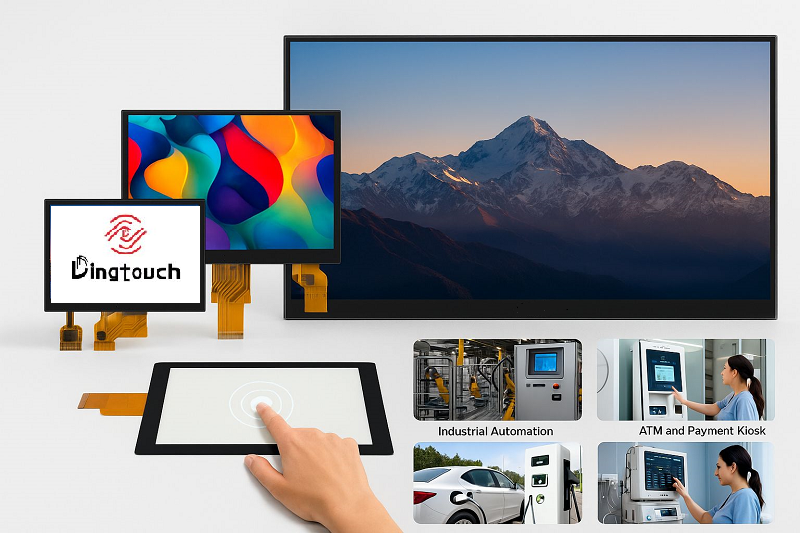
DINGTouch has more than 10 years of experience in customized touch display solutions, supporting:
✅ Custom touch screen sizes
✅ Ultra-narrow border designs
✅ G+G / G+F touch structures
✅ PCAP capacitive touch screen
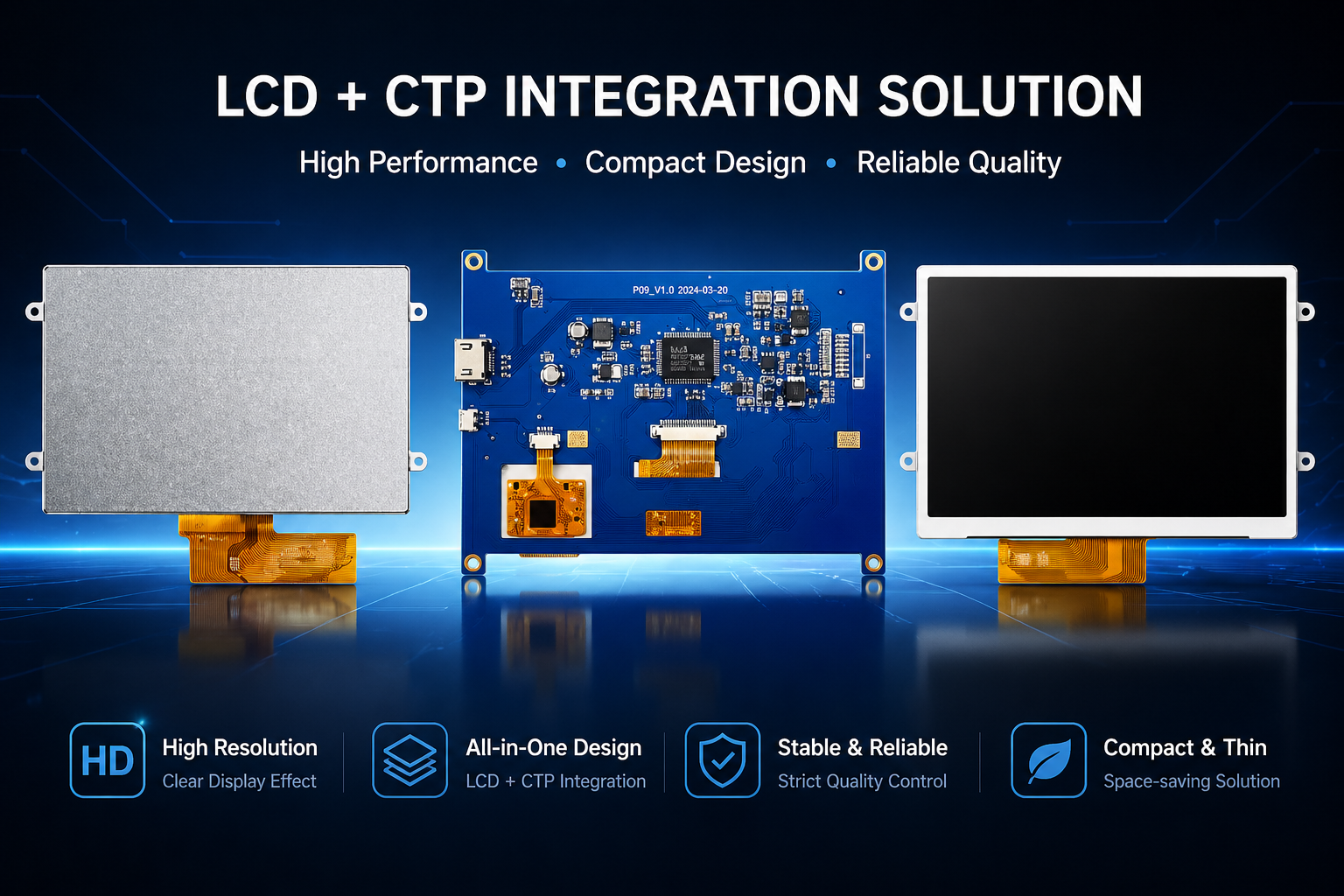
✅ LCD + Touch Panel integrated solutions
✅ OCA optical bonding solutions
✅ Waterproof, dustproof, and high-brightness outdoor touch displays
Whether for industrial HMI, medical equipment, smart terminals, or outdoor devices, DINGTouch provides customized touch display solutions based on real application requirements.
A black border is not just an aesthetic element — it represents reliability, manufacturing precision, and engineering experience.
DINGTouch — Custom Touch Display Solutions for Industrial Applications.
Ready to Build Your Outdoor Display Solution?
Get in touch with us at sales@szdingtouch.com. Our expert engineers will help you design a cost-effective, tailored solution to meet your project’s exact specifications.
DINGTouch:Committed to continuous innovation and improvement of product quality to meet customers' high requirements and expectations.
DINGTouch is a manufacturer that provides high quality touch screen panels. Focus on the design, manufacturing and sales of touch screen panels, and are committed to providing customized solutions that satisfy customers.
DINGTouch: In the process of customizing touch screen panels, we focus on close cooperation and communication with customers. Understanding customers' needs and providing customized solutions will meet customers' individual needs. The company's products are favored by customers for their high quality and reliability, and provide them with the best touchscreen panel solutions.
DINGTouch:Committed to continuous innovation and improvement of product quality to meet customers' high requirements and expectations.
DINGTouch is a manufacturer that provides high quality touch screen panels. Focus on the design, manufacturing and sales of touch screen panels, and are committed to providing customized solutions that satisfy customers.
DINGTouch: In the process of customizing touch screen panels, we focus on close cooperation and communication with customers. Understanding customers' needs and providing customized solutions will meet customers' individual needs. The company's products are favored by customers for their high quality and reliability, and provide them with the best touchscreen panel solutions.
At DINGTOUCH, we are the world's leading touchscreen manufacturer, helping businesses around the world take advantage of this exciting technology. For more information, please visit the home page now.

DINGTouch is a company specializing in the R&D and production of touch screen technology, headquartered in Shenzhen, China. As a professional touch screen supplier, DINGTouch is committed to providing high-quality, stable and reliable touch screen products to meet the diverse needs of customers. We continue to carry out technological innovation and product optimization to ensure that its touch screen products have good sensitivity, accuracy and durability.
In addition to the products themselves, we also focus on cooperation and communication with customers, and are committed to providing customized solutions and excellent after-sales services. Through continuous efforts to improve product quality and customer satisfaction, we have established a good reputation in the touchscreen industry and won widespread market recognition.
In addition to the products themselves, we also focus on cooperation and communication with customers, and are committed to providing customized solutions and excellent after-sales services. Through continuous efforts to improve product quality and customer satisfaction, we have established a good reputation in the touchscreen industry and won widespread market recognition.
What DINGTOUCH can do:
• PCAP maximum size 65”
• Multi-touch (Touch screen can be customized to your needs.)
• Optical bonding service/air bonding
• LCD interface: HDMI/RGB/MIPI/LVDS/EDP, etc.
• PCAP interface: IIC/USB interface
• CTP can customize the cover glass surface treatment process AG (anti-glare), AR (anti-reflection), AF (anti-fingerprint), waterproof, and glove touch
• Supports 0.55 mm-12 mm coverslip touch.
• Support operating temperature: -40℃-90℃.
Dingtouch Industrial capacitive touch screen Manufacturer
In conclusion, Dingtouch as a professional touch screen manufacturer with more than 10 years touch screen experience.We have many capacitive touch screen . Such as 5 inch touch screen,7 inch touch screen,10.1inch touch screen,15 inch touch screen,15.6 inch touch screen,17 inch touch screen,18.5 inch touch screen,19 inch touch screen,21.5 inch touch screen,32 inch touch screen, However, we also welcome to customize your own touch screen . Contact our team today to learn what capacitive touch screen are best for our retail business needs.
Contact us NOW! sales@szdingtouch.com
#Medicaltouchscreencalibration, #capacitivetouchcalibrationguide, #IEC60601touchscreen, #DINGTouchmedicaldisplay, #touchscreenaccuracy, #touchscreen driftfix, #medicalequipmenttouchsolutions, #IP65touchpanel, #IK10medicaltouchscreen, #glove touch medical monitor,#ILITEKTouchControllerICSelectionGuide ,#OCAtoOCR #GT911,#CustomizedWideTemperatureTouchScreenSolutions,#Waterproof Touchscreen,
#highbrightnessLCD, #sunlightreadabledisplay,#industrialLCDbacklight, #outdoor displaymodule, #customLCDsolution, #1000–2000nitsdisplay, #DINGTouchtouchscreen.
#capacitivetouchscreen, #EMI/EMCoptimization, #anti-interferencetechnology, #DINGTouch,#customtouchscreensolutions, #industrialtouchdisplay, #medicaltouch screen, #5Gtouchscreen, #AIanti-interferencealgorithm, #smarttouchdisplay,
DINGTouch — Custom Touch Display Solutions Expert
Every touch, clear and precise, ready for any environment.
Every touch, clear and precise, ready for any environment.
CATEGORIES
CONTACT US
Contact: Dingtouch
Phone: +8615815536116
Tel: +8615815536116
Email: sales@szdingtouch.com
Add: Building A, Bailu Plaza, No. 48, Gonghe Industrial Road, Gongle Community, Xixiang Street, Baoan District, Shenzhen,China. 518126
 Dingtouch