News
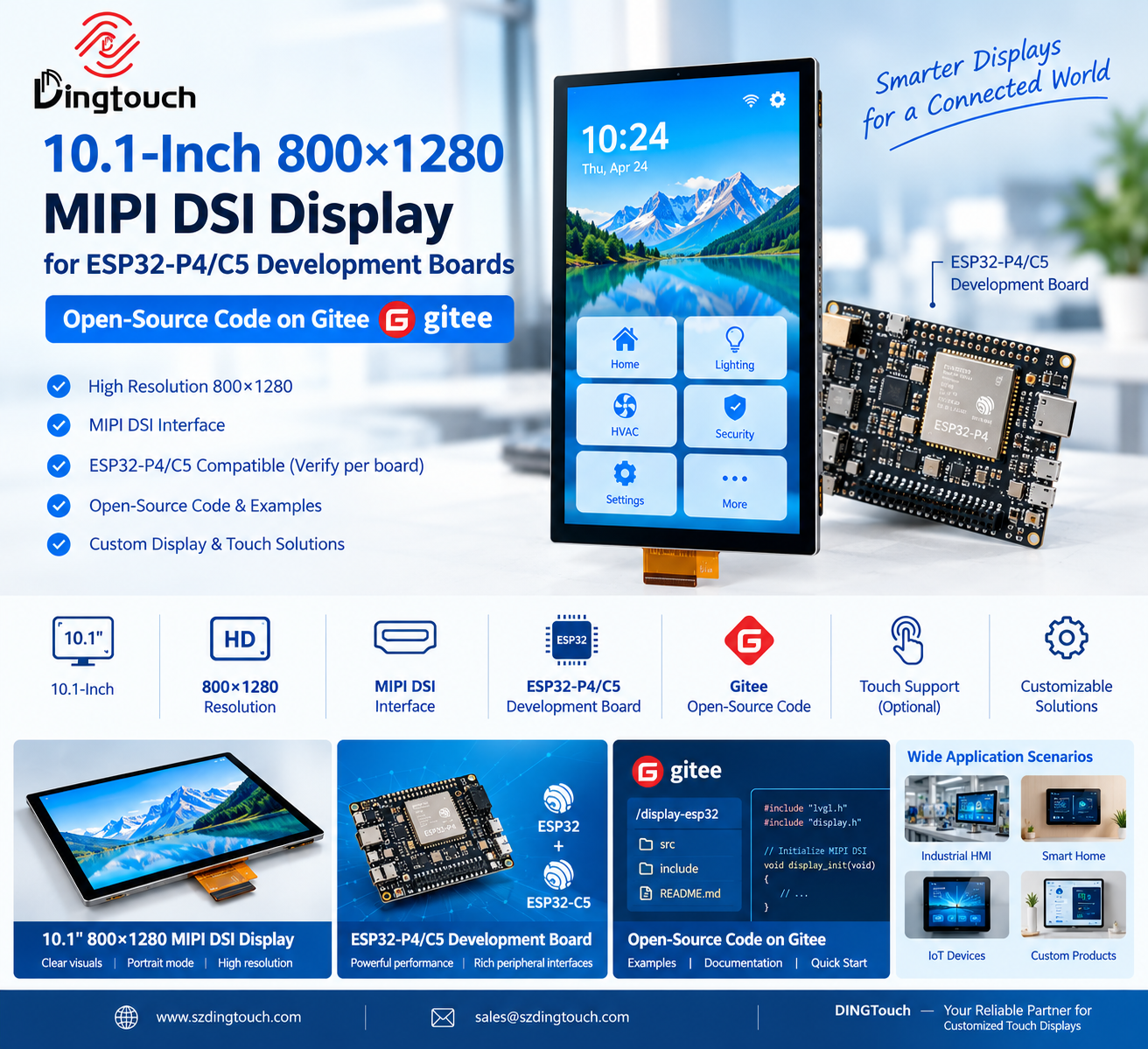
10.1-Inch 800×1280 MIPI DSI Display for ESP32-P4/C5 Development Boards: Open-Source Code on Gitee
10.1-Inch 800×1280 MIPI DSI Display for ESP32-P4/C5 Development Boards: Open-Source Code on Gitee
1. Introduction: A High-Resolution Display Solution for Embedded Development
As embedded systems evolve toward more intuitive human-machine interfaces (HMI), developers increasingly need compact, high-resolution displays that combine clear visuals with efficient hardware integration.
DINGTouch introduces a 10.1-inch 800×1280 MIPI DSI display solution designed for embedded display applications, with a focus on compatibility evaluation for ESP32-P4/C5 development platforms and open-source development resources available on Gitee.
With its portrait-oriented resolution, MIPI DSI interface, and support for embedded software development workflows, this display solution is suitable for developers and OEMs building smart control panels, industrial interfaces, IoT terminals, and other interactive devices.
Whether you are developing a proof of concept or preparing a customized display for a commercial product, selecting the right combination of display hardware, interface configuration, driver support, and software resources can help simplify the development process.
 2. Key Features of the 10.1-Inch 800×1280 MIPI Display
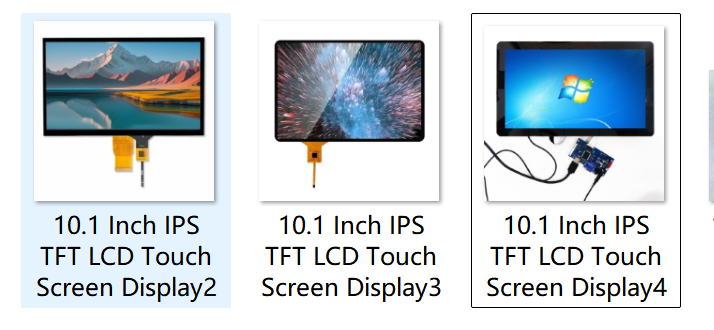
2.1 A 10.1-Inch Display with 800×1280 Resolution
The 10.1-inch screen offers a portrait-oriented resolution of 800×1280 pixels, making it suitable for applications that require a tall user interface, vertically arranged information, or touch-based navigation.
Potential applications include:
-
Smart home control panels
-
Industrial HMI terminals
-
IoT monitoring devices
-
Smart access control systems
-
Embedded information terminals
-
Portable control and measurement equipment
For projects requiring landscape orientation, the user interface can potentially be adapted through software rotation, subject to the display controller and graphics framework capabilities.
2.2 MIPI DSI Interface for Embedded Display Integration
MIPI DSI is widely used in embedded display systems because it provides a high-speed serial interface between a compatible processor and display panel.
Compared with conventional parallel RGB interfaces, MIPI DSI can reduce the number of signal connections required for display data transmission. This can be beneficial for compact embedded hardware designs.
However, successful integration requires more than matching the connector. Engineers should verify:
-
The number of supported MIPI DSI lanes
-
Display resolution and refresh-rate requirements
-
Pixel format and video timing parameters
-
Panel initialization commands
-
Power supply and reset sequences
-
Backlight driver and brightness control
-
FPC pinout and connector compatibility
These details are particularly important when integrating a high-resolution display with an ESP32-P4-based development platform.
2.3 Compatibility Evaluation for ESP32-P4/C5 Development Boards
ESP32-P4-based platforms are relevant to embedded applications that require richer graphics and more advanced human-machine interfaces.
When evaluating a 10.1-inch MIPI DSI display for an ESP32-P4/C5 development board, developers should confirm the exact board model, processor configuration, MIPI DSI hardware support, available drivers, and display initialization requirements.
Important compatibility note: ESP32-P4 and ESP32-C5 are different chips with different hardware capabilities. A display configuration designed for an ESP32-P4 board should not automatically be assumed to work with an ESP32-C5 board. The exact development board and display interface implementation must be verified before hardware integration.
For a smoother development process, it is advisable to confirm the display specifications, interface documentation, example code, and required software configuration before ordering samples.
3. Open-Source Development Resources on Gitee
Open-source code can significantly improve development efficiency by providing a starting point for display initialization, interface configuration, and application-level testing.
For projects associated with this 10.1-inch display and ESP32 development hardware, Gitee can serve as a resource for hosting and sharing relevant source code, examples, and integration documentation.
Depending on the specific project repository, available resources may include:
-
Display initialization code
-
MIPI DSI configuration examples
-
Resolution and timing settings
-
Driver integration instructions
-
Graphics interface examples
-
Build configuration and project documentation
-
Troubleshooting notes for common integration issues
Developers should check the actual Gitee repository to confirm which resources are available, the supported development board, the software framework and version, and the applicable open-source license.
Open-source code is a starting point rather than a guarantee of plug-and-play compatibility. Hardware revisions, display panel variants, initialization sequences, and software versions may require additional configuration.
4. How to Integrate a 10.1-Inch MIPI DSI Display with an ESP32-P4 Platform
A structured integration process can help identify compatibility issues early and reduce unnecessary debugging.
Step 1: Confirm the Hardware Configuration
Begin by identifying the exact ESP32-P4 development board and the display panel model.
Check the MIPI DSI interface specifications, connector pinout, supported lane configuration, voltage requirements, backlight power requirements, and reset signals.
Step 2: Obtain the Display Initialization Parameters
Request the display datasheet and relevant initialization documentation from the display supplier.
Depending on the panel, the required information may include command sequences, timing parameters, power-on procedures, and backlight control instructions.
Step 3: Review the Gitee Source Code
Locate the corresponding open-source project and confirm whether it supports the selected development board and display configuration.
Review the software dependencies, build environment, display driver implementation, and any hardware-specific modifications required.
Step 4: Bring Up the Display and Verify Image Quality
After connecting the hardware, verify that the display initializes correctly and renders the expected resolution.
Check for image distortion, incorrect orientation, unstable output, abnormal colors, and unexpected screen flickering. If the display does not initialize, review the power sequence, reset timing, interface configuration, and driver logs.
Step 5: Integrate Touch Functionality if Required
For touch-enabled applications, the touch controller and communication interface must also be integrated.
Depending on the selected touch solution, developers may need to configure I²C or USB communication, interrupt signals, touch coordinates, and software drivers.
Display output and touch input should be validated independently before combining them into a complete HMI application.
5. Application Scenarios for a 10.1-Inch Embedded Display
Industrial Human-Machine Interfaces
A 10.1-inch display can provide a practical interface for equipment status monitoring, parameter adjustment, and machine operation. For industrial deployments, additional requirements such as operating temperature, brightness, EMC performance, and mechanical protection should be evaluated.
Smart Home and Building Automation
The portrait-oriented screen is suitable for control interfaces that organize lighting, HVAC, access control, and other device functions into vertically arranged menus.
IoT and Edge Devices
Developers can use a high-resolution display to present sensor readings, system status, configuration menus, and interactive dashboards in embedded IoT products.
Custom Embedded Products
For OEM developing proprietary hardware, a customized display solution can help align the panel, touch interface, mechanical structure, and software architecture with the final product.
The suitability of the display for each application depends on the actual panel specifications and the requirements of the target environment.
6. Custom MIPI Display Solutions from DINGTouch
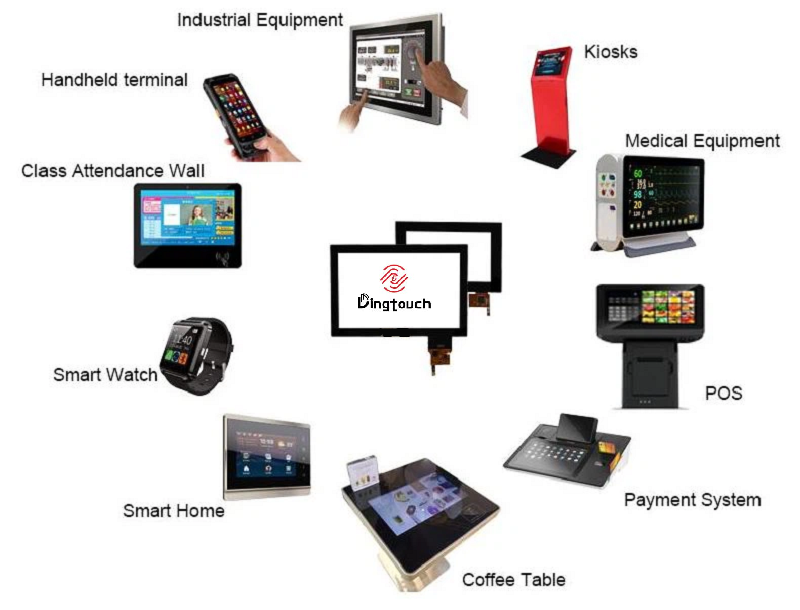
DINGTouch specializes in customized touch screen and display solutions for industrial and commercial applications.
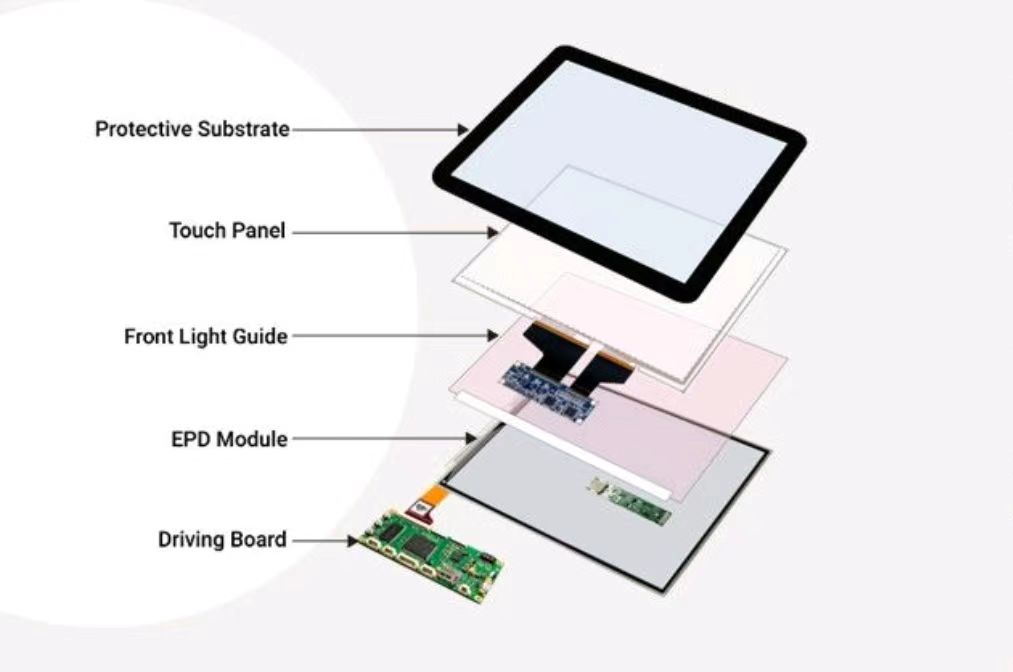
Beyond standard display modules, we can evaluate project requirements involving display panels, capacitive touch screens, cover glass, optical bonding, and interface integration.
Customization options may include:
-
Display size and resolution
-
MIPI DSI, LVDS, RGB, eDP, or HDMI interface solutions, depending on the selected panel and system architecture
-
Capacitive touch functionality
-
Cover glass dimensions and printing
-
Anti-glare, anti-reflection, and anti-fingerprint treatments
-
Optical bonding for improved optical performance
-
High-brightness and wide-temperature configurations, subject to component availability
For ESP32-based projects, the key is to establish hardware and software compatibility early. DINGTouch can evaluate the display requirements and help identify the appropriate panel configuration for the target embedded platform.
7. Frequently Asked Questions
Q1: Can a 10.1-inch 800×1280 MIPI display work with an ESP32-P4 development board?
Potentially, yes, provided that the selected development board supports the required MIPI DSI configuration and the appropriate display driver, initialization parameters, and timing settings are available. The exact hardware and software combination must be verified.
Q2: Is the display automatically compatible with ESP32-C5?
No. ESP32-P4 and ESP32-C5 have different hardware capabilities. Compatibility must be confirmed for the exact chip, development board, and interface architecture. A software example for ESP32-P4 should not be assumed to work on ESP32-C5 without verification.
Q3: Does Gitee provide ready-to-use source code?
That depends on the specific repository. Check the published code, supported hardware, dependencies, documentation, and license before using it in a project. Additional adaptation may be necessary.
Q4: Can DINGTouch customize the touch screen for this display?
DINGTouch can evaluate customization requirements such as capacitive touch integration, cover glass design, surface treatments, and optical bonding. Final feasibility depends on the panel structure, project specifications, and mechanical constraints.
Q5: What information should I provide when requesting a quotation?
To help evaluate your project, please provide the target display size and resolution, required interface, development board model, touch requirements, operating temperature, brightness requirements, and estimated project quantity.
8. Start Your Embedded Display Project with DINGTouch
Choosing a display for an embedded development board involves more than selecting a screen size and resolution. Interface compatibility, initialization parameters, touch integration, power requirements, and software support all affect the final result.
The 10.1-inch 800×1280 MIPI DSI display solution provides a starting point for evaluating high-resolution embedded interfaces and customized HMI applications.
If you are developing an ESP32-P4-based product or evaluating a customized embedded touch display, contact DINGTouch to discuss your hardware configuration and project requirements.
Website: www.szdingtouch.com
Email: sales@szdingtouch.com
DINGTouch— Customized Touch Screen and Display Solutions for Industrial and Embedded Applications.
Ready to Build Your Outdoor Display Solution?
Get in touch with us at sales@szdingtouch.com. Our expert engineers will help you design a cost-effective, tailored solution to meet your project’s exact specifications.
DINGTouch:Committed to continuous innovation and improvement of product quality to meet customers' high requirements and expectations.
DINGTouch is a manufacturer that provides high quality touch screen panels. Focus on the design, manufacturing and sales of touch screen panels, and are committed to providing customized solutions that satisfy customers.
DINGTouch: In the process of customizing touch screen panels, we focus on close cooperation and communication with customers. Understanding customers' needs and providing customized solutions will meet customers' individual needs. The company's products are favored by customers for their high quality and reliability, and provide them with the best touchscreen panel solutions.
DINGTouch is a company specializing in the R&D and production of touch screen technology, headquartered in Shenzhen, China. As a professional touch screen supplier, DINGTouch is committed to providing high-quality, stable and reliable touch screen products to meet the diverse needs of customers. We continue to carry out technological innovation and product optimization to ensure that its touch screen products have good sensitivity, accuracy and durability.
In addition to the products themselves, we also focus on cooperation and communication with customers, and are committed to providing customized solutions and excellent after-sales services. Through continuous efforts to improve product quality and customer satisfaction, we have established a good reputation in the touchscreen industry and won widespread market recognition.
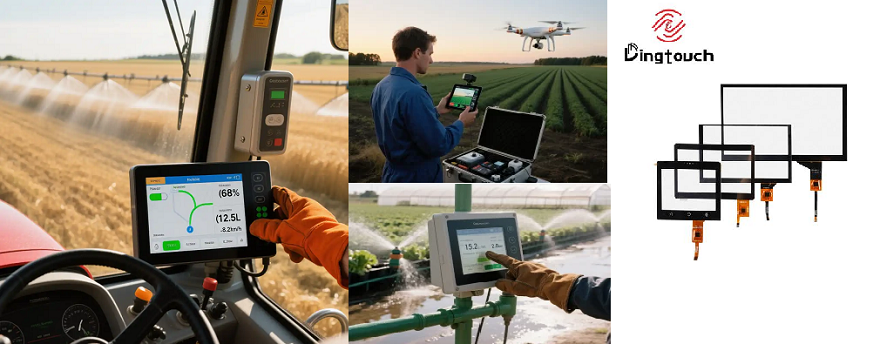
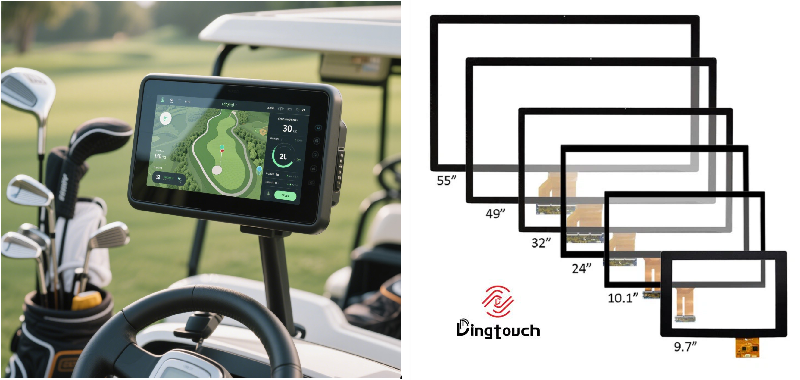
• PCAP maximum size 65”
• Multi-touch (Touch screen can be customized to your needs.)
• Optical bonding service/air bonding
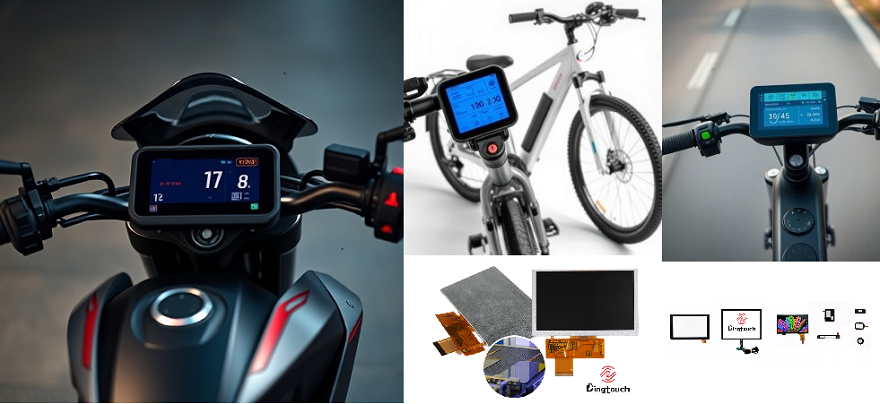
• LCD interface: HDMI/RGB/MIPI/LVDS/EDP, etc.
• PCAP interface: IIC/USB interface
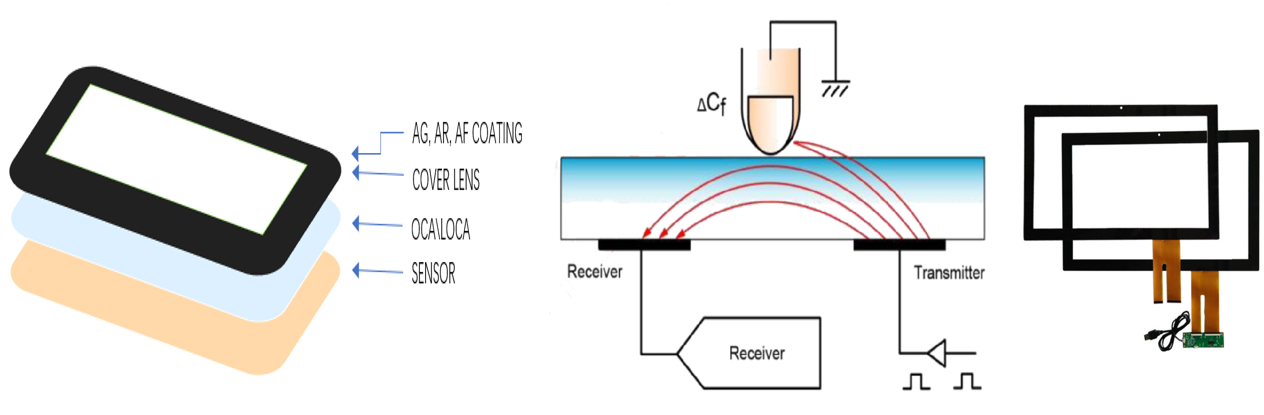
• CTP can customize the cover glass surface treatment process AG (anti-glare), AR (anti-reflection), AF (anti-fingerprint), waterproof, and glove touch
• Supports 0.55 mm-12 mm coverslip touch.
• Support operating temperature: -40℃-90℃.
In conclusion, Dingtouch as a professional touch screen manufacturer with more than 10 years touch screen experience.We have many capacitive touch screen. Such as 5 inch touch screen,7 inch touch screen,10.1inch touch screen,15 inch touch screen,15.6 inch touch screen,17 inch touch screen,18.5 inch touch screen,19 inch touch screen,21.5 inch touch screen,32 inch touch screen, However, we also welcome to customize your own touch screen . Contact our team today to learn what capacitive touch screen are best for our retail business needs.
Contact us NOW! sales@szdingtouch.com
#Medicaltouchscreencalibration, #capacitivetouchcalibrationguide, #IEC60601touchscreen, #DINGTouchmedicaldisplay, #touchscreenaccuracy, #touchscreen driftfix, #medicalequipmenttouchsolutions, #IP65touchpanel, #IK10medicaltouchscreen, #glove touch medical monitor,#ILITEKTouchControllerICSelectionGuide ,#OCAtoOCR #GT911,#CustomizedWideTemperatureTouchScreenSolutions,#Waterproof Touchscreen,
#highbrightnessLCD, #sunlightreadabledisplay,#industrialLCDbacklight, #outdoor displaymodule, #customLCDsolution, #1000–2000nitsdisplay, #DINGTouchtouchscreen.
DINGTouch — Custom Touch Display Solutions Expert
Every touch, clear and precise, ready for any environment.



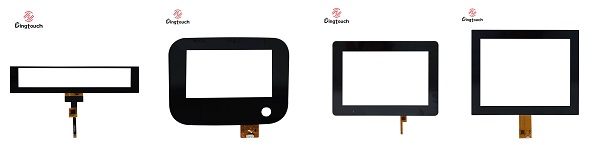
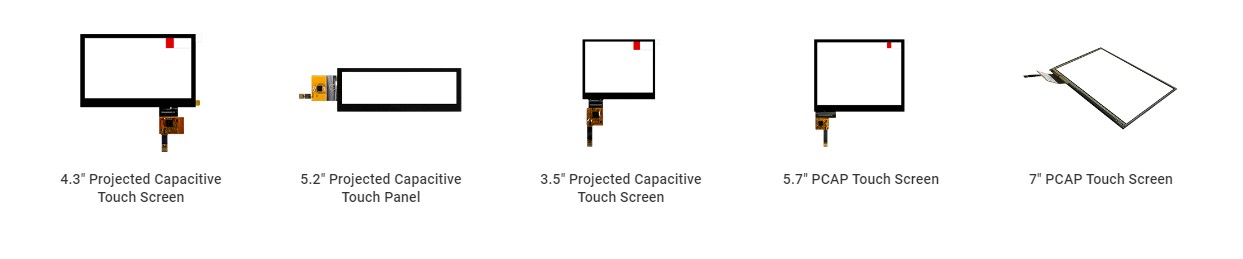
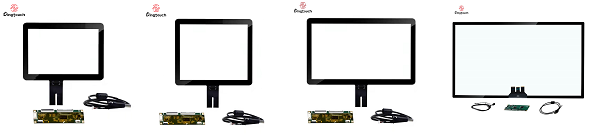
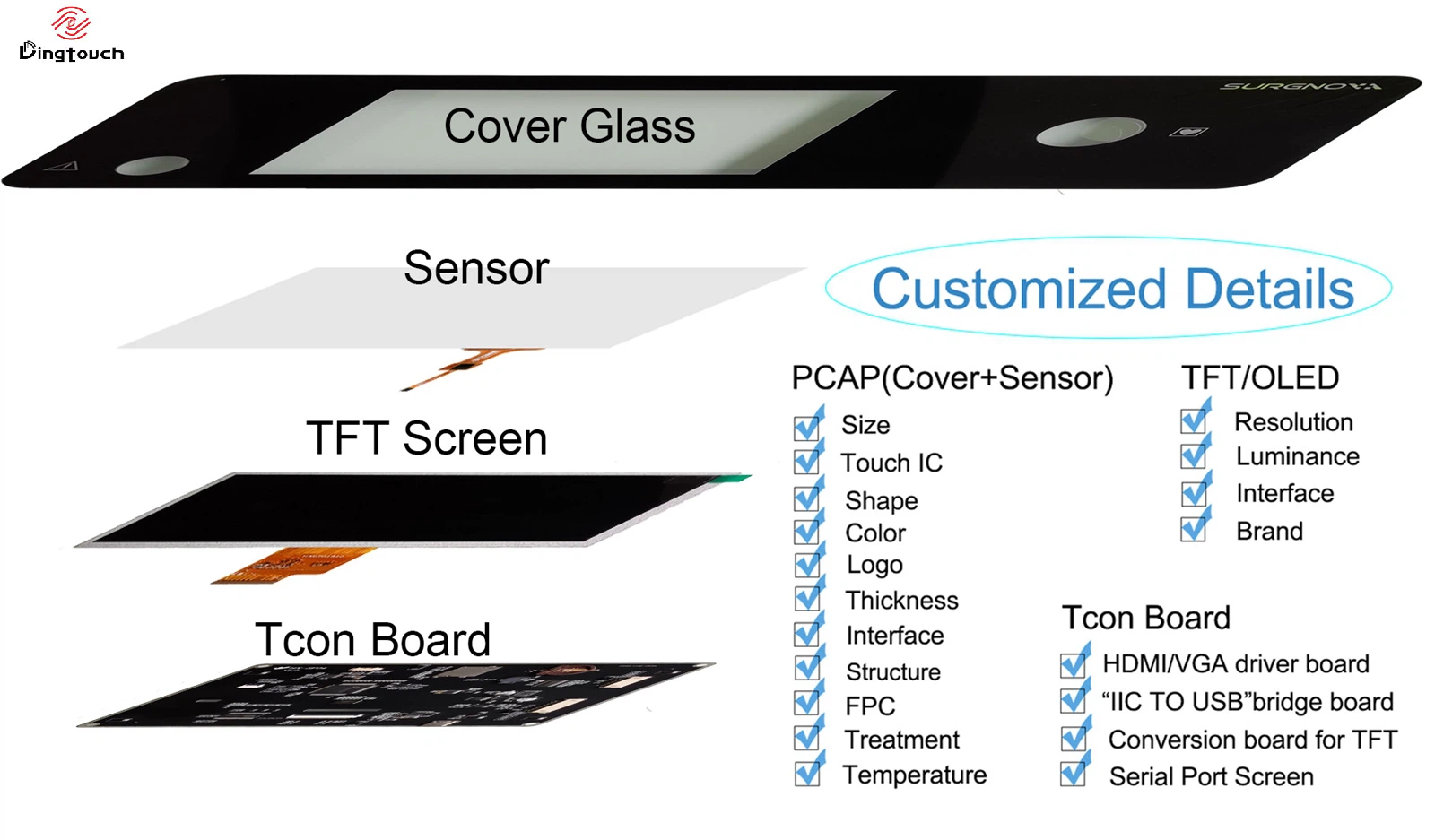
What DINGTOUCH can do:
Dingtouch Industrial capacitive touch screen Manufacturer

CATEGORIES
CONTACT US
Contact: Dingtouch
Phone: +8615815536116
Tel: +8615815536116
Email: sales@szdingtouch.com
Add: Building A, Bailu Plaza, No. 48, Gonghe Industrial Road, Gongle Community, Xixiang Street, Baoan District, Shenzhen,China. 518126
 Dingtouch