News
How to Customize a Suitable Capacitive Touch Screen
How to Customize a Suitable Capacitive Touch Screen
Customizing a suitable capacitive touch screen requires a clear understanding of your application, environment, and performance expectations. Below is a practical, step-by-step guide widely used in industrial and commercial touchscreen projects.
1. Define the Application Scenario
Start by clarifying where and how the touch screen will be used:
-
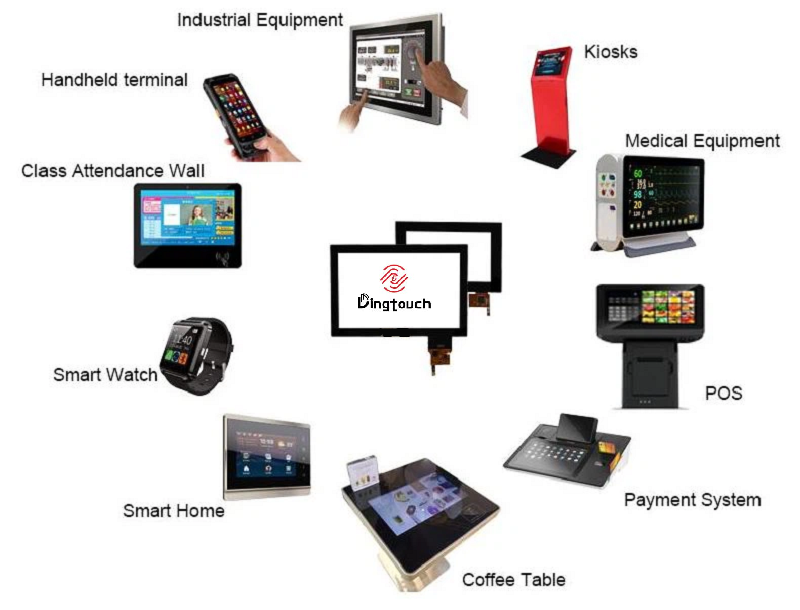
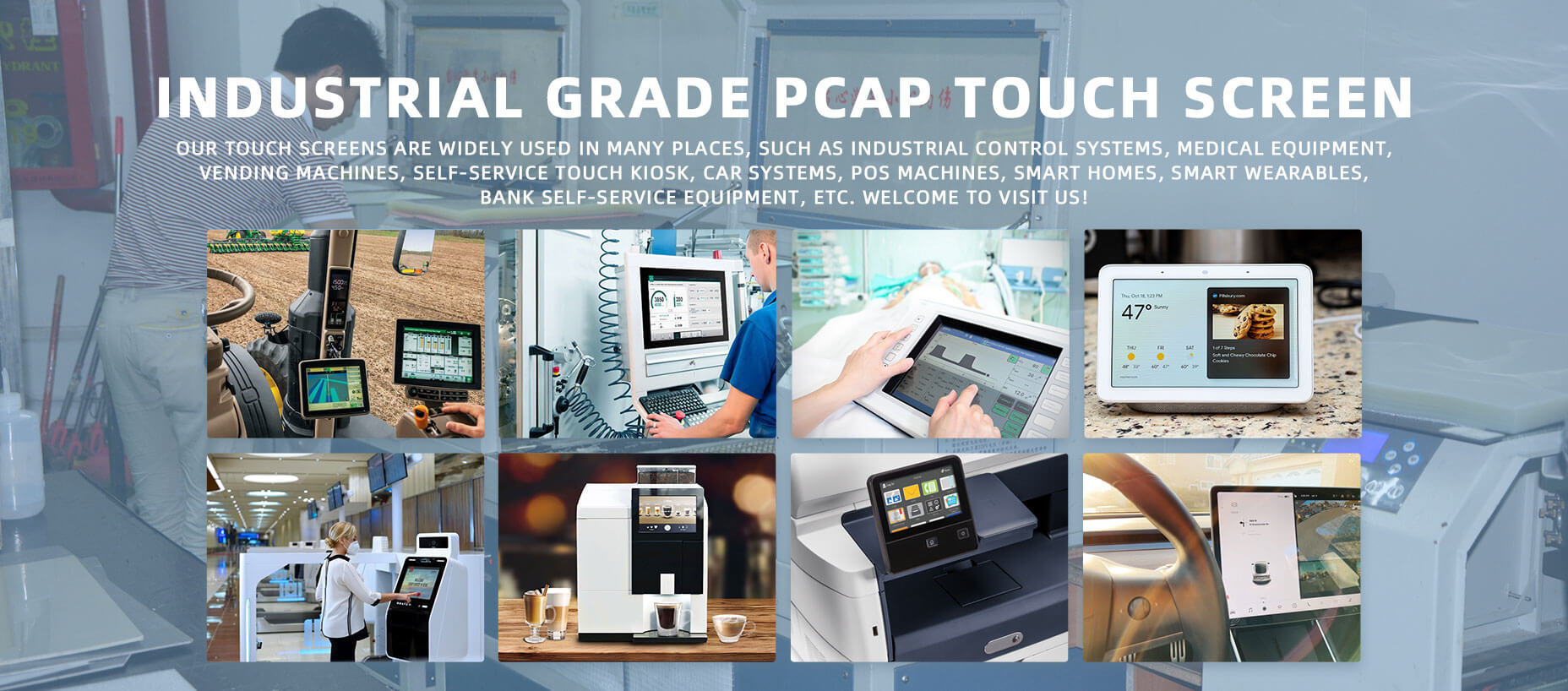
Industrial control: factories, CNC machines, automation panels
-
Medical equipment: monitors, diagnostic devices, bedside terminals
-
Commercial & retail: POS systems, self-service kiosks
-
Smart home & consumer electronics: control panels, HMI displays
-
Outdoor equipment: EV chargers, vending machines, access control
Each scenario determines durability, touch sensitivity, and environmental requirements.
2. Select the Screen Size & Aspect Ratio
Choose a size that balances usability and installation space:
-
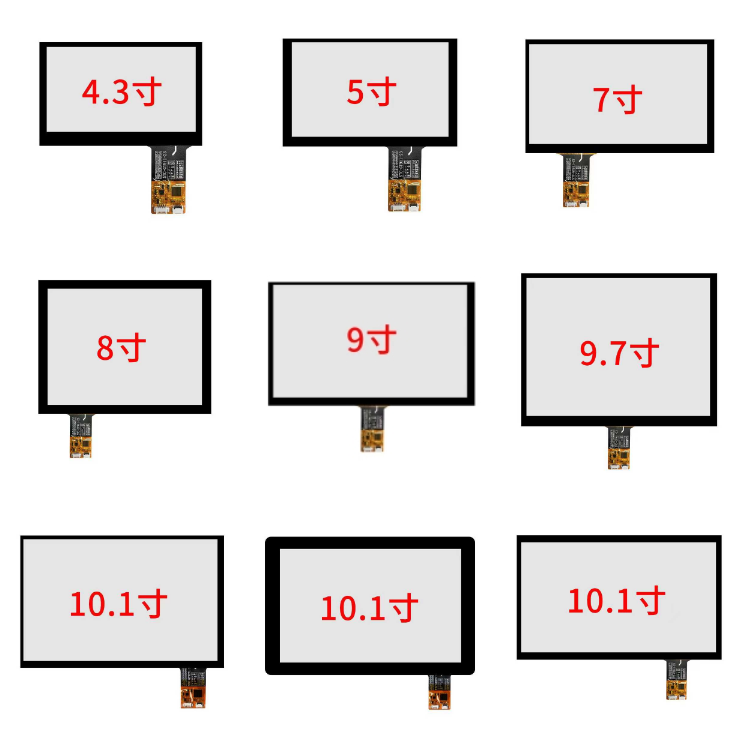
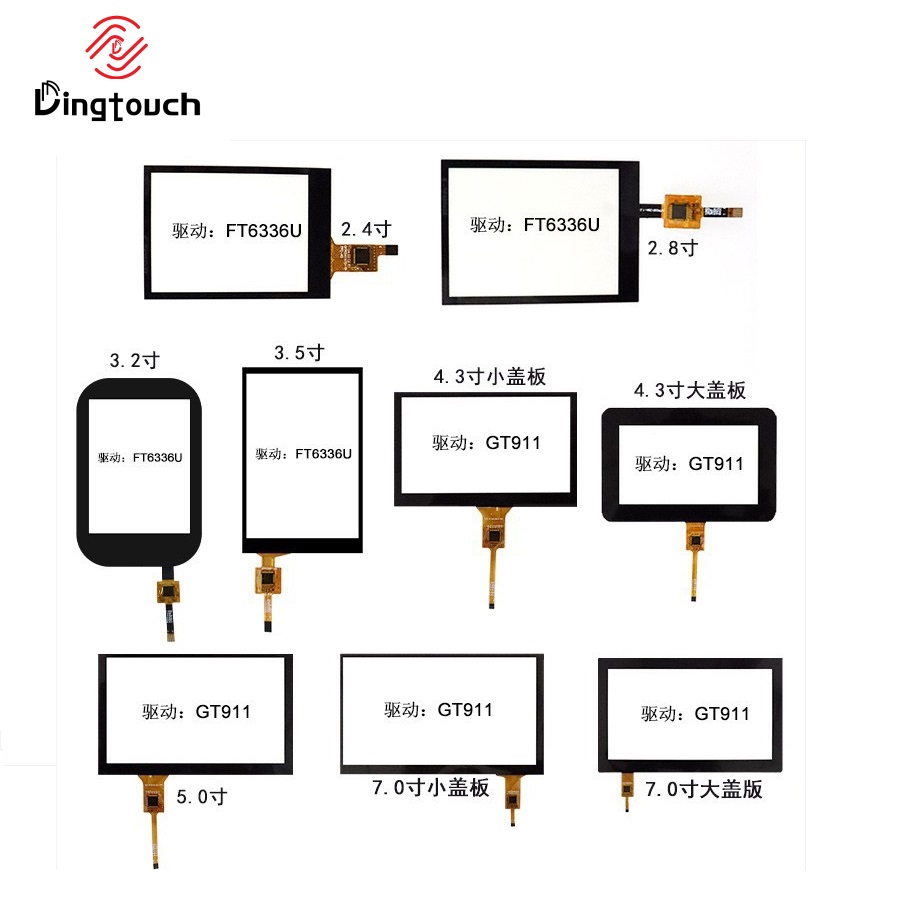
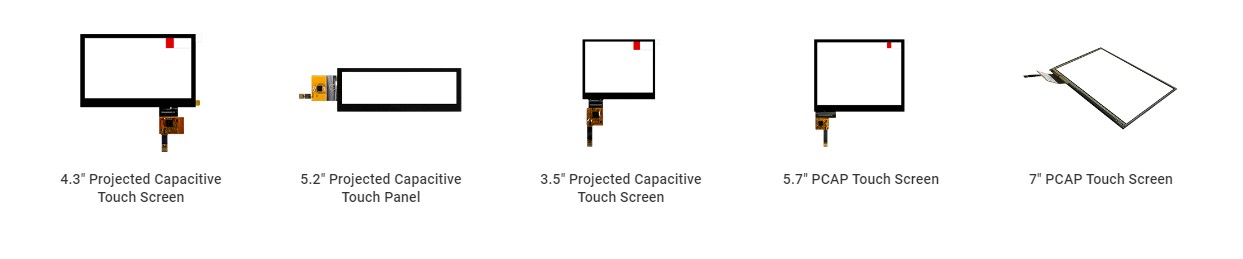
Small sizes (2.4"–5"): handheld devices, embedded systems
-
Medium sizes (7"–15.6"): industrial HMIs, medical displays
-
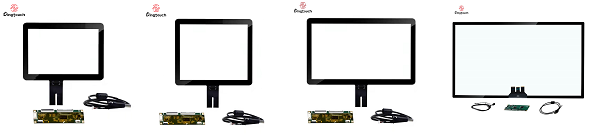
Large sizes (17"–32"+): kiosks, interactive signage
Custom aspect ratios (4:3, 16:9, 16:10, square) are often required for legacy systems or mechanical enclosures.

3. Choose the Touch Technology & Structure
For capacitive touch screens, key options include:
Touch Structure
-
G+G (Glass + Glass)
-
High durability and optical clarity
-
Best for industrial, medical, and outdoor use
-
-
G+F (Glass + Film)
-
Thinner and more cost-effective
-
Suitable for consumer and light commercial applications
-
Touch Points
-
Single touch / 5-point / 10-point / multi-touch (up to 40 points)
-
Gesture support: zoom, swipe, rotate
4. Select the Touch Controller IC
The controller determines touch accuracy and compatibility:
-
ILITEK (ILI2510 / ILI2711 / ILI2131) – industrial-grade, glove & water touch
-
Goodix (GT911 / GT928) – cost-effective, widely compatible
-
EETI – stable performance for large-size touch panels
Consider:
-
Noise immunity (important for industrial environments)
-
Firmware customization
-
OS compatibility (Linux, Android, Windows)
5. Define Optical & Display Requirements
Key parameters include:
-
Resolution: match your LCD (e.g., 800×480, 1024×600, 1920×1080)
-
Brightness:
-
Indoor: 250–500 nits
-
Semi-outdoor: 700–1000 nits
-
Outdoor: 1000+ nits
-
-
Surface treatment:
-
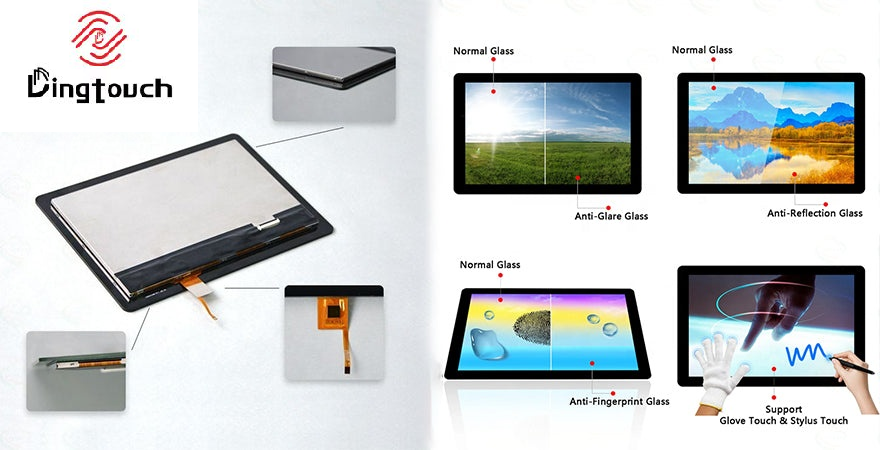
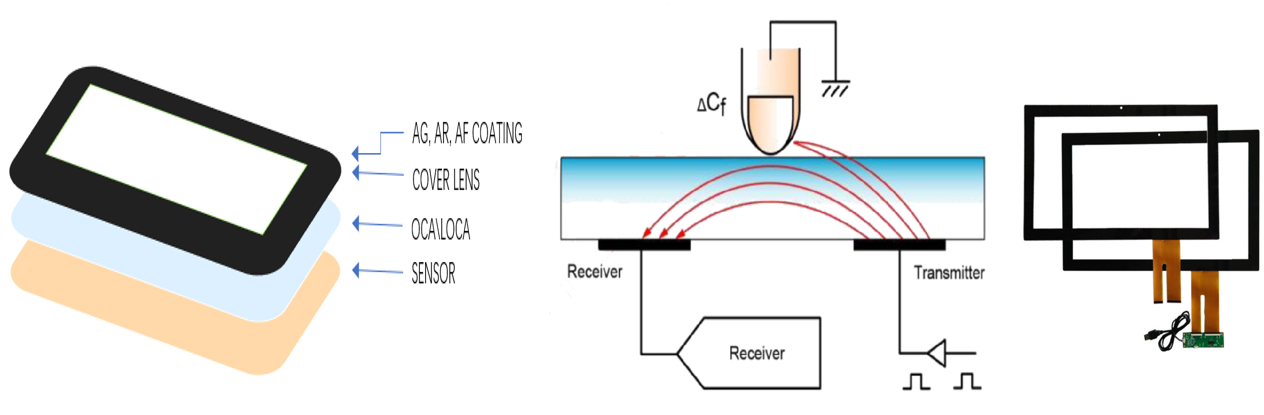
Anti-glare (AG)
-
Anti-reflection (AR)
-
Anti-fingerprint (AF)
-
6. Mechanical & Electrical Customization
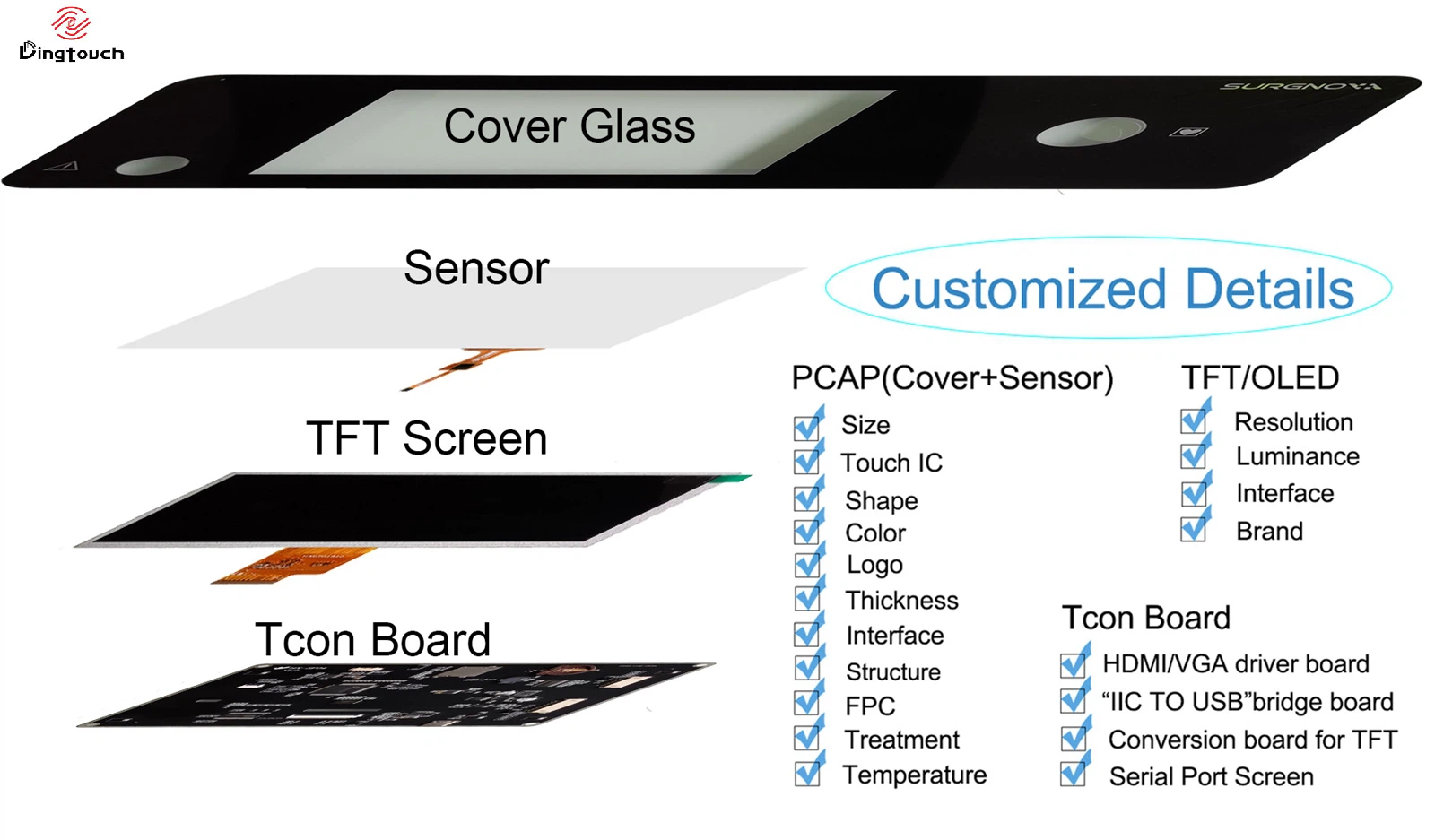
Cover Glass Customization
-
Thickness: 1.1–6 mm
-
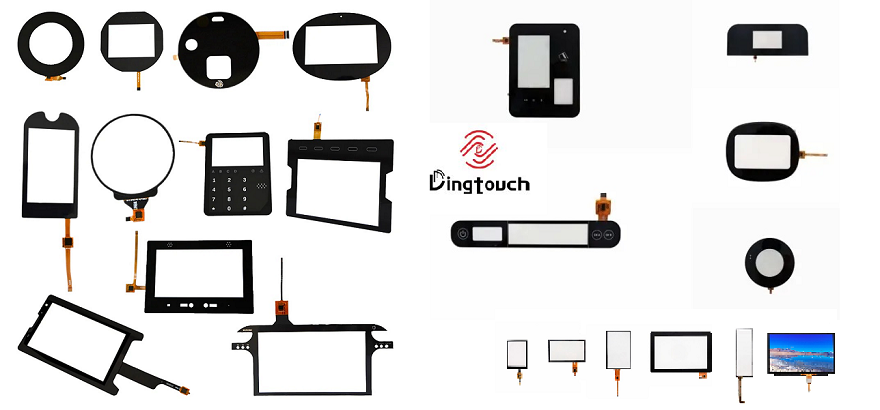
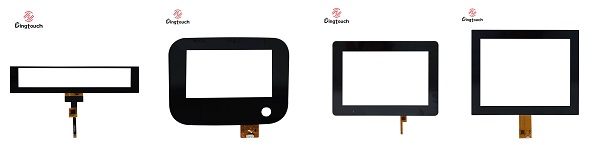
Shapes: rectangular, round, irregular
-
Edge treatment: 2.5D / 3D
-
Silk printing: logo, borders, hidden circuits
Interface Options
-
I²C – embedded systems, low power
-
USB – plug-and-play, Windows systems
-
SPI – small-size displays, MCU projects
7. Environmental & Reliability Requirements
Specify operating conditions early:
-
Operating temperature: –20°C to +70°C or –30°C to +85°C
-
Waterproof level: IP65 / IP67
-
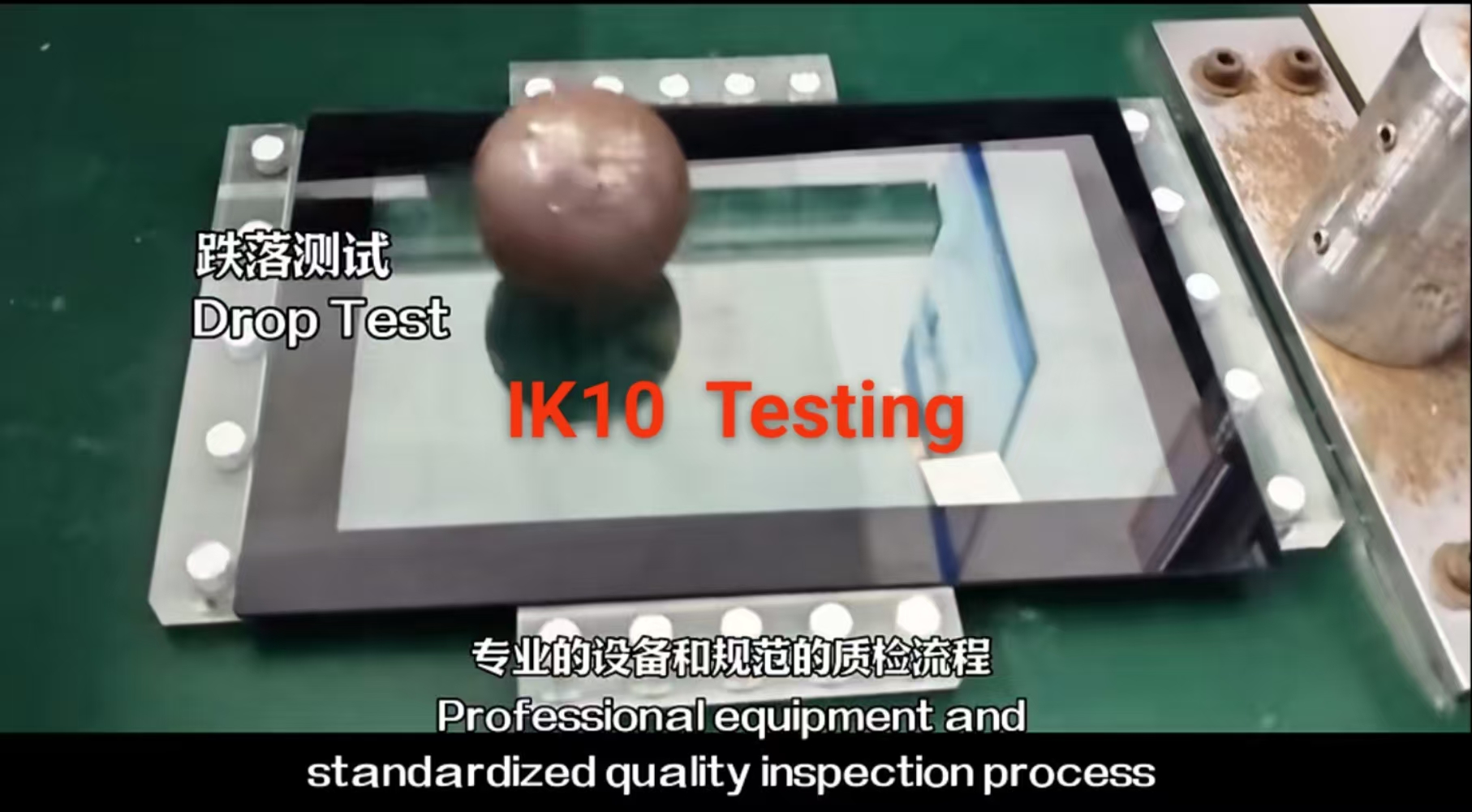
Impact resistance: IK08 / IK10
-
EMC / ESD compliance
These factors influence material choice and controller tuning.
8. Lamination & Bonding Method
-
OCA (Optically Clear Adhesive)
-
High transparency, stable structure
-
Preferred for mass production
-
-
OCR (Optically Clear Resin)
-
Better for curved or irregular glass
-
Stronger bonding, higher process complexity
-
Full lamination improves readability, durability, and touch accuracy.
9. Firmware, Driver & OS Support
Ensure availability of:
-
Touch firmware tuning
-
Linux / Android / Windows drivers
-
Gesture and palm-rejection configuration
-
EMI/ESD optimization
This step is critical for system integration and long-term stability.
10. Prototype, Test & Mass Production
A professional customization flow includes:
-
Requirement analysis
-
Mechanical & electrical drawings
-
Sample prototyping
-
Functional & environmental testing
-
Firmware optimization
-
Pilot run → mass production
Conclusion
Customizing a capacitive touch screen is not just about size—it’s about matching performance, durability, optics, and system compatibility to your exact application.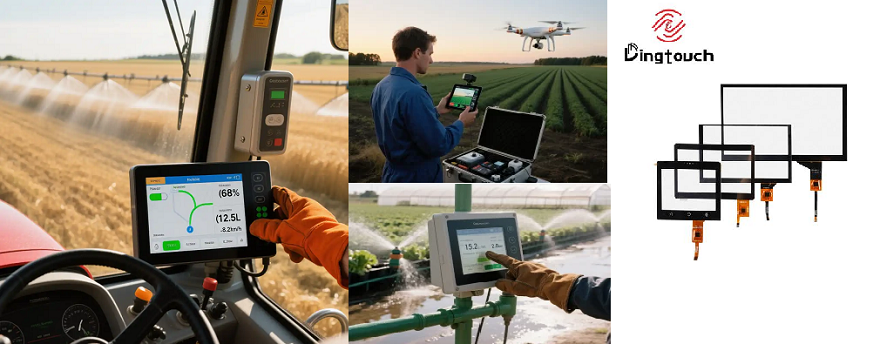
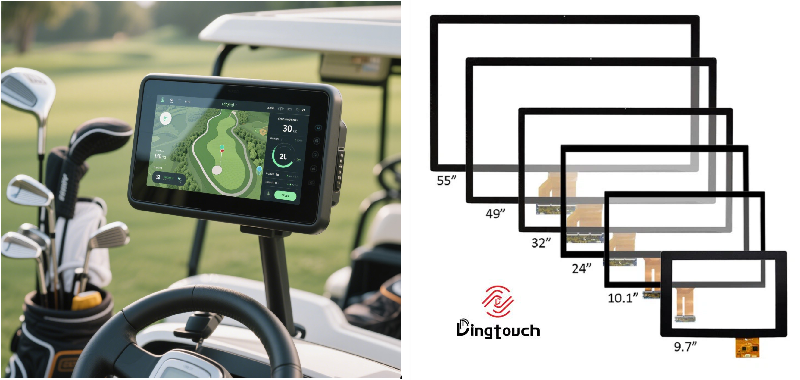
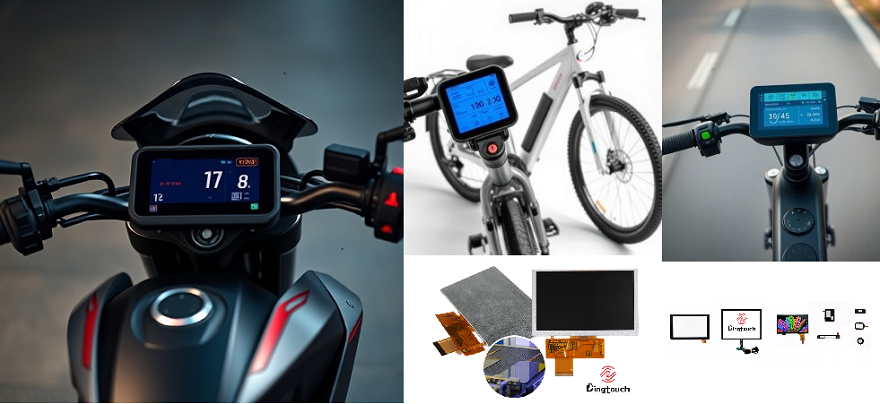



Ready to Build Your Outdoor Display Solution?
Get in touch with us at sales@szdingtouch.com. Our expert engineers will help you design a cost-effective, tailored solution to meet your project’s exact specifications.
DINGTouch:Committed to continuous innovation and improvement of product quality to meet customers' high requirements and expectations.
DINGTouch is a manufacturer that provides high quality touch screen panels. Focus on the design, manufacturing and sales of touch screen panels, and are committed to providing customized solutions that satisfy customers.
DINGTouch: In the process of customizing touch screen panels, we focus on close cooperation and communication with customers. Understanding customers' needs and providing customized solutions will meet customers' individual needs. The company's products are favored by customers for their high quality and reliability, and provide them with the best touchscreen panel solutions.
DINGTouch:Committed to continuous innovation and improvement of product quality to meet customers' high requirements and expectations.
DINGTouch is a manufacturer that provides high quality touch screen panels. Focus on the design, manufacturing and sales of touch screen panels, and are committed to providing customized solutions that satisfy customers.
DINGTouch: In the process of customizing touch screen panels, we focus on close cooperation and communication with customers. Understanding customers' needs and providing customized solutions will meet customers' individual needs. The company's products are favored by customers for their high quality and reliability, and provide them with the best touchscreen panel solutions.
At DINGTOUCH, we are the world's leading touchscreen manufacturer, helping businesses around the world take advantage of this exciting technology. For more information, please visit the home page now.

DINGTouch is a company specializing in the R&D and production of touch screen technology, headquartered in Shenzhen, China. As a professional touch screen supplier, DINGTouch is committed to providing high-quality, stable and reliable touch screen products to meet the diverse needs of customers. We continue to carry out technological innovation and product optimization to ensure that its touch screen products have good sensitivity, accuracy and durability.
In addition to the products themselves, we also focus on cooperation and communication with customers, and are committed to providing customized solutions and excellent after-sales services. Through continuous efforts to improve product quality and customer satisfaction, we have established a good reputation in the touchscreen industry and won widespread market recognition.
In addition to the products themselves, we also focus on cooperation and communication with customers, and are committed to providing customized solutions and excellent after-sales services. Through continuous efforts to improve product quality and customer satisfaction, we have established a good reputation in the touchscreen industry and won widespread market recognition.
What DINGTOUCH can do:
• PCAP maximum size 65”
• Multi-touch (Touch screen can be customized to your needs.)
• Optical bonding service/air bonding
• LCD interface: HDMI/RGB/MIPI/LVDS/EDP, etc.
• PCAP interface: IIC/USB interface
• CTP can customize the cover glass surface treatment process AG (anti-glare), AR (anti-reflection), AF (anti-fingerprint), waterproof, and glove touch
• Supports 0.55 mm-12 mm coverslip touch.
• Support operating temperature: -40℃-90℃.
Dingtouch Industrial Capacitive Touch Screen Manufacturer
In conclusion, Dingtouch as a professional touch screen manufacturer with more than 10 years touch screen experience.We have many capacitive touch screen. Such as 5 inch touch screen,7 inch touch screen,10.1inch touch screen,15 inch touch screen,15.6 inch touch screen,17 inch touch screen,18.5 inch touch screen,19 inch touch screen,21.5 inch touch screen,32 inch touch screen, However, we also welcome to customize your own touch screen . Contact our team today to learn what capacitive touch screen are best for our retail business needs.
Contact us NOW! sales@szdingtouch.com
#Medicaltouchscreencalibration, #capacitivetouchcalibrationguide, #IEC60601touchscreen, #DINGTouchmedicaldisplay, #touchscreenaccuracy, #touchscreen driftfix, #medicalequipmenttouchsolutions, #IP65touchpanel, #IK10medicaltouchscreen, #glove touch medical monitor,#ILITEKTouchControllerICSelectionGuide ,#OCAtoOCR #GT911,#CustomizedWideTemperatureTouchScreenSolutions,#Waterproof Touchscreen,
#highbrightnessLCD, #sunlightreadabledisplay,#industrialLCDbacklight, #outdoor displaymodule, #customLCDsolution, #1000–2000nitsdisplay, #DINGTouchtouchscreen.
DINGTouch — Custom Touch Display Solutions Expert
Every touch, clear and precise, ready for any environment.
Every touch, clear and precise, ready for any environment.
CATEGORIES
CONTACT US
Contact: Dingtouch
Phone: +8615815536116
Tel: +8615815536116
Email: sales@szdingtouch.com
Add: Building A, Bailu Plaza, No. 48, Gonghe Industrial Road, Gongle Community, Xixiang Street, Baoan District, Shenzhen,China. 518126
 Dingtouch